Trusted by 10,000+ creators worldwide

Create it all with AI.

Videos, images, and music—all right here.
Create it all: Template demo
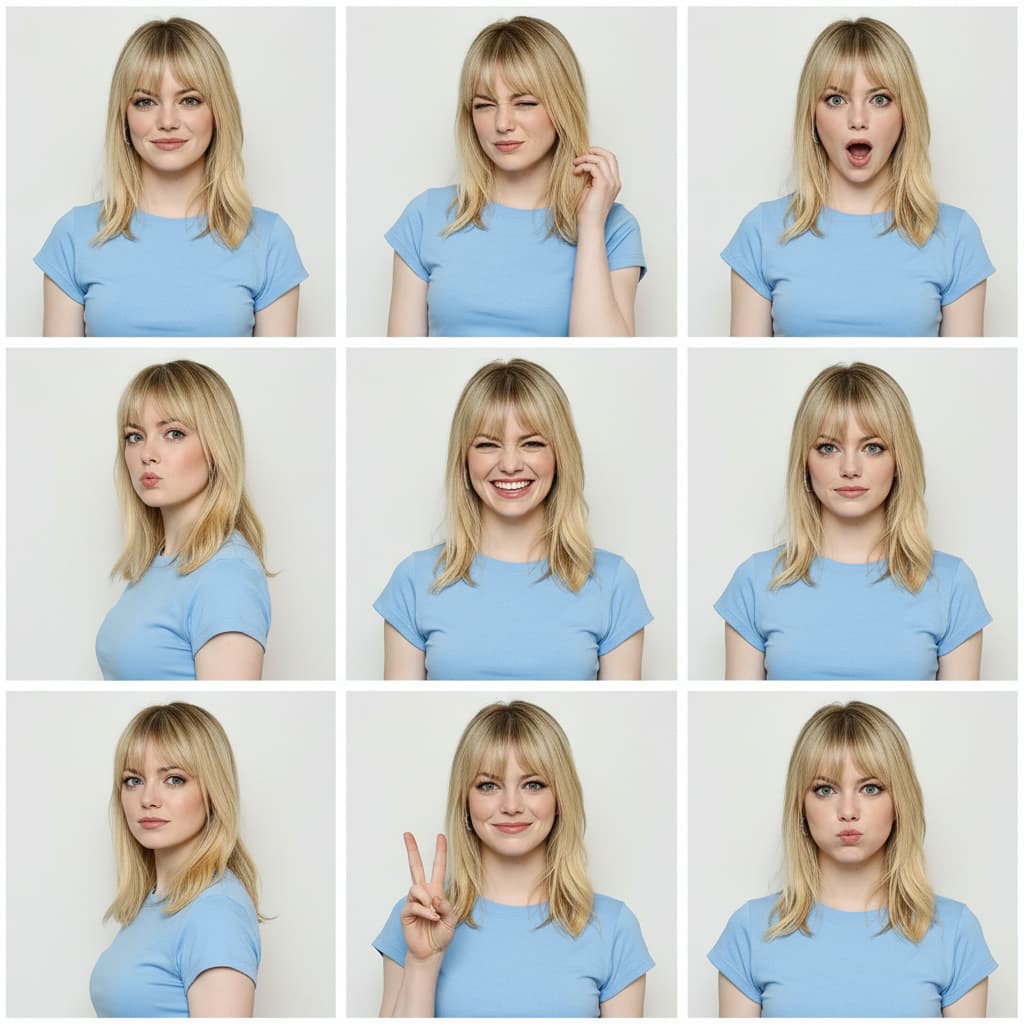
Input image
Template demo input

The studio

12 applications · 4 crafts

Free tools

No sign-up. Local processing. Files stay on your device.

Audio Cutter OnlineTrim audio with a waveform. Keep or remove a section, add fades and download MP3 or WAV. Free, local processing with no upload or sign-up.GIF to MP4Turn an animated GIF into a silent MP4 video. Choose whole-animation repeats, size and a solid background, with local processing and no watermark.Side-by-Side Video MakerPut two videos side by side or stack them vertically. Choose fit or crop, duration and audio, then preview and export MP4 locally without uploads or added watermarks.Audio Fade In, Fade Out & VolumeFade audio in and out and lower the volume of video or audio files. Preview and download MP4 video or WAV audio, processed locally in your browser.Rotate Video OnlineRotate videos 90, 180 or 270 degrees, mirror left to right, or flip upside down. Preview and export an MP4 in your browser, with audio and no added watermark.Video Contact Sheet MakerTurn a video into a timestamped thumbnail grid for storyboards, footage review and sharing. Choose a time range and download PNG or JPEG without uploading your video.Loop VideoRepeat a clip, set a target duration, make a seamless loop, or create a boomerang video.Reverse VideoPlay a full video or one selected section backward, with reversed sound or no sound.Video DitheringDither video with Floyd-Steinberg, Bayer patterns, and retro color palettes in your browser.Fast TrimQuickly trim your videos and combine multiple segments.Add SubtitlesGenerate, edit, and download private SRT or VTT subtitles entirely in your browser.Remove Video BackgroundSeparate people from a video background locally, replace the scene, and export without uploading.Extract AudioConvert video to high-quality audio files. Support MP3 and WAV formats.Mute your VideoRemove sound tracks from videos.Video CompressorCompress videos while maintaining height and width.Video WatermarkAdd text, logo, or blur watermarks to videos while keeping the original resolution.Add Image to VideoOverlay photos, logos, and transparent graphics on video, then export locally.Add Photo to VideoPlace portraits, product photos, and reaction pictures over video and export MP4 locally.Add Emojis to VideoPlace multiple emoji reactions on video and export an MP4 locally.Add Stickers to VideoAdd editable badges or custom transparent stickers and export MP4 locally.Format ConverterConvert supported videos to MP4 locally. Quality depends on your export settings.MP3 Tag EditorAdd title, artist, lyrics, mood, scene, comments, and cover art to audio files.Replace AudioSwap the original audio with the newly uploaded one.Merge VideosMerge multiple videos into one video.Video to GIFConvert videos to high-quality GIFs with customizable settings.Image to GIFTurn multiple images into a looping GIF, then choose the transition and timing.Video InspectorAnalyze video metadata and technical specifications directly in your browser.Video to ImageConvert videos to high-quality images with customizable settings.Video CropperCrop your videos to any aspect ratio online for free.Social Media ResizerResize videos for Instagram, TikTok, and YouTube with perfect aspect ratios.Video Speed ControllerChange video playback speed online. Create slow motion or fast forward effects.Image to VideoTurn photos into a video with music directly in your browser.Music VisualizerCreate and export an audio-reactive MP4 from audio or video locally in your browser. No upload or account required.

Made for the whole creative pass

I use the music generator to block out the mood before I edit. I can try a soft intro, a brighter hook, and a short ending cue, then keep the track that actually fits the video.
Maya · Music Creator
For ad concepts, the video generator gives us motion drafts fast enough to discuss in the same meeting. It is much easier than explaining the idea with a static storyboard.
Noah · Video Marketer
The image tools are where I test product angles: clean a photo, try a campaign background, and turn the best version into a poster direction before asking design for polish.
Aisha · Ecommerce Designer
I still use the browser tools for trims and audio snippets, but now I can also make intro music and simple visuals for a lesson without moving through five different apps.
Elena · Course Creator

Affiliate program

Earn 30% sharing DojoClip

30% commission on every payment, up to 12 months per subscriber. Learn more

30%

Commission

12 mo

Duration

$50

Min. payout

Ready to transform your videos?

Join creators building complete workflows with AI editing, music, images, video generation, and multilingual production.

Get started for free
AI Video, Music, Image & Motion Studio | DojoClip