AI tools for video, images, music and design
Start with an idea or your own media. Choose an app to generate new content, edit existing work or build a workflow with visible steps.
Agents & workflows
Dojo AI
Persistent AI chat workspace for planning, drafting, and launching product workflows.
AI Design Agent
Create an editable graphic layout from a brief, then refine text, images and placement through chat and canvas controls. AI requests use credits.
AI Photo & Video Workflow Templates
Compare guided photo and video starters, preview saved or community templates, and prepare your own workflow project before paid generation.
Video & animation
Video Edit AI
Edit your footage with the timeline or AI chat. Add captions and motion graphics, then export in your browser.
AI Motion Control
Animate a character image using movement from a reference video. Choose orientation and background guidance, then review the result.
AI Lip Sync
Create a talking clip from one image and short audio. Upload or record your voice, add visual guidance and review the result.
AI Video Generator
Generate new clips from text, starting frames or image references. Compare models and review the credit total before generating.
AI Music Video Maker
Choose generated story scenes or audio-reactive visuals for your song. Compare the two workflows before uploading and creating.
Music & speech
AI Music Generator
Create vocal songs from a written idea or your lyrics. Describe the style, review available tracks, then download or share a result.
AI Text to Speech
Choose a voice, listen to an available sample and generate speech from your script with credits. Review and download the finished MP3.
Images
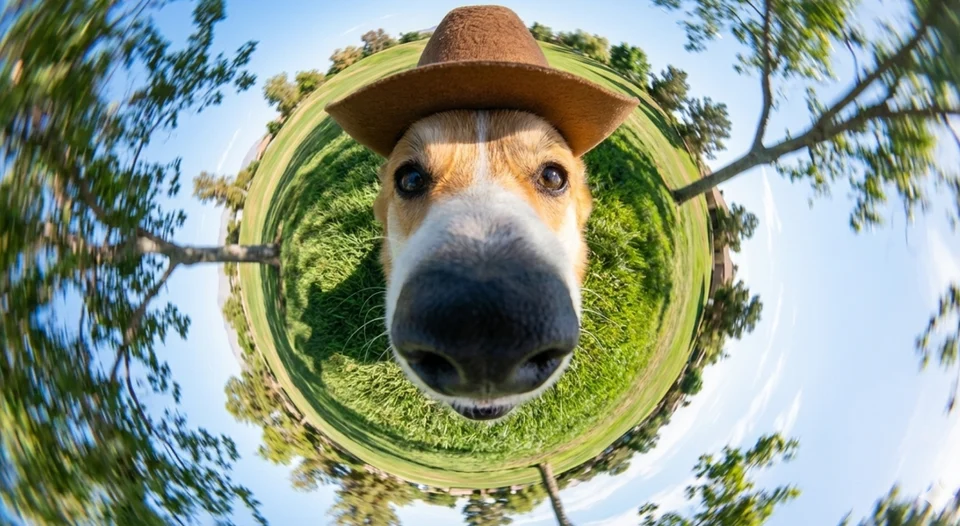
AI Image Generator
Create images from a text prompt with GPT Image 2.5 or Nano Banana. Choose output settings, generate with credits and review the results.
AI Photo Editor
Upload images and describe the edit with GPT Image 2.5 or Nano Banana. Choose output settings, generate with credits and review the new result.
Marketing & ads
AI Truck Ad Mockup
Visualize your product or logo on a truck with a short headline. Generate an image or video concept with credits and review the result before use.
AI Airplane Branding Mockup
Preview a product or logo on an airplane with a short headline. Generate an image or video concept with credits and review the branding in the scene.
AI Billboard Ad Mockup
Preview your product or logo on a billboard with a short headline. Generate an image or video concept with credits and review the ad in its surroundings.
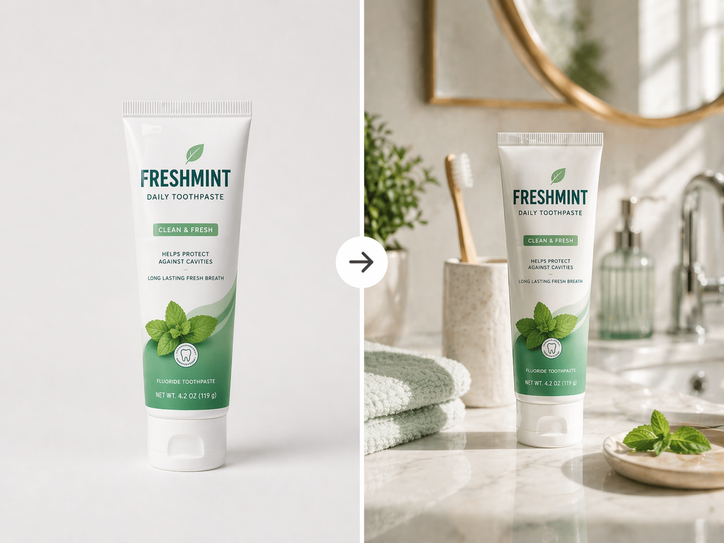
AI Product Poster Generator
Turn product photos, optional ad copy and a scene idea into a poster image. Generate with credits, then review the product and text before downloading.
Headshots & personal branding
Choose an app for the task in front of you
An idea, a recorded clip, a product photo and a finished song need different starting points. Use the categories above to find an application, then check its accepted inputs and settings before preparing your files.
- Edit footage or create new clips. Use Video Edit AI to arrange your media, captions and motion graphics with the timeline or chat. Choose the AI video generator when you need new footage from a prompt or supported image references. Changing the appearance of an existing clip is a separate task for AI video editing.
- Create an image or revise one. The image generator starts from a description; photo editing starts from your picture and requested changes. For an editable poster, menu or flyer layout, explore Design Agent.
- Make music, narration or a music video. Choose AI music generation for a vocal song, and text to speech for a spoken script. Already have a track? The music video apps offer visualizer and story routes.
- Animate a character. Motion control uses a character image and movement reference video. Lip sync uses an image and an audio recording. Choose according to the material you have.
- Prepare promotional visuals. Marketing apps include product posters and generated billboard, truck and plane ad scenes. The headshot app focuses on professional portraits from a reference photo.
- Follow a reusable sequence. Workflow templates show connected steps and inputs. Inspect the workflow before starting its generation tasks.
Example: a product announcement
Start with a clear product photo and prepare a visual in Product to Poster. Write a short announcement and create narration with Text to Speech. Download the results you want to use, then import them alongside your product clips into Video Edit AI. Arrange the sequence, check names and prices, and listen to the finished edit. This is a sequence you assemble; opening an app does not automatically complete the other steps.
Accounts, credits and simpler edits
You can browse this directory without signing in. Sign in to create projects or submit AI generations. Paid generation tasks need sufficient credits; costs and available settings vary by app, model and plan. Check the cost and requirements shown in the selected app and compare pricing before starting.
For a straightforward operation on an existing file, such as trimming, compression or audio extraction, visit the free tools directory. Choose the smallest task that gets your material ready for the next step.