Text to video
Generate videos from text prompts, start/end frames, or reference image sets.
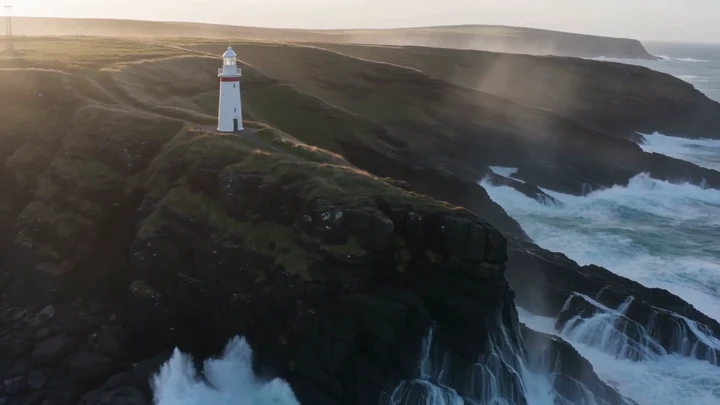
Explore the prompts and inputs behind these clips.
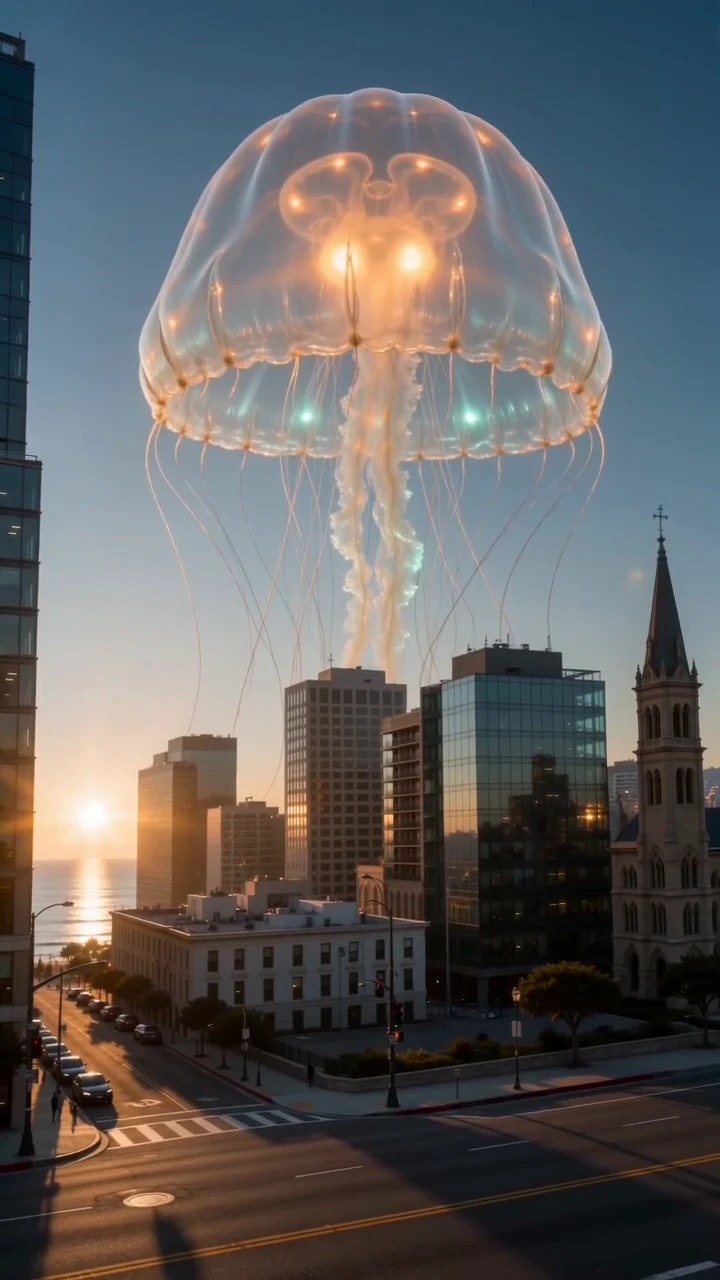
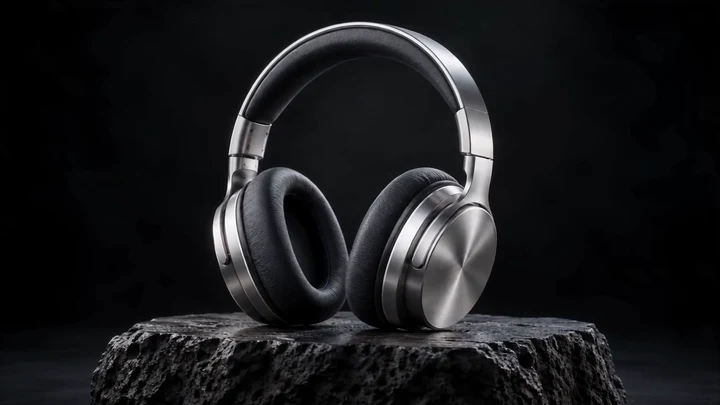
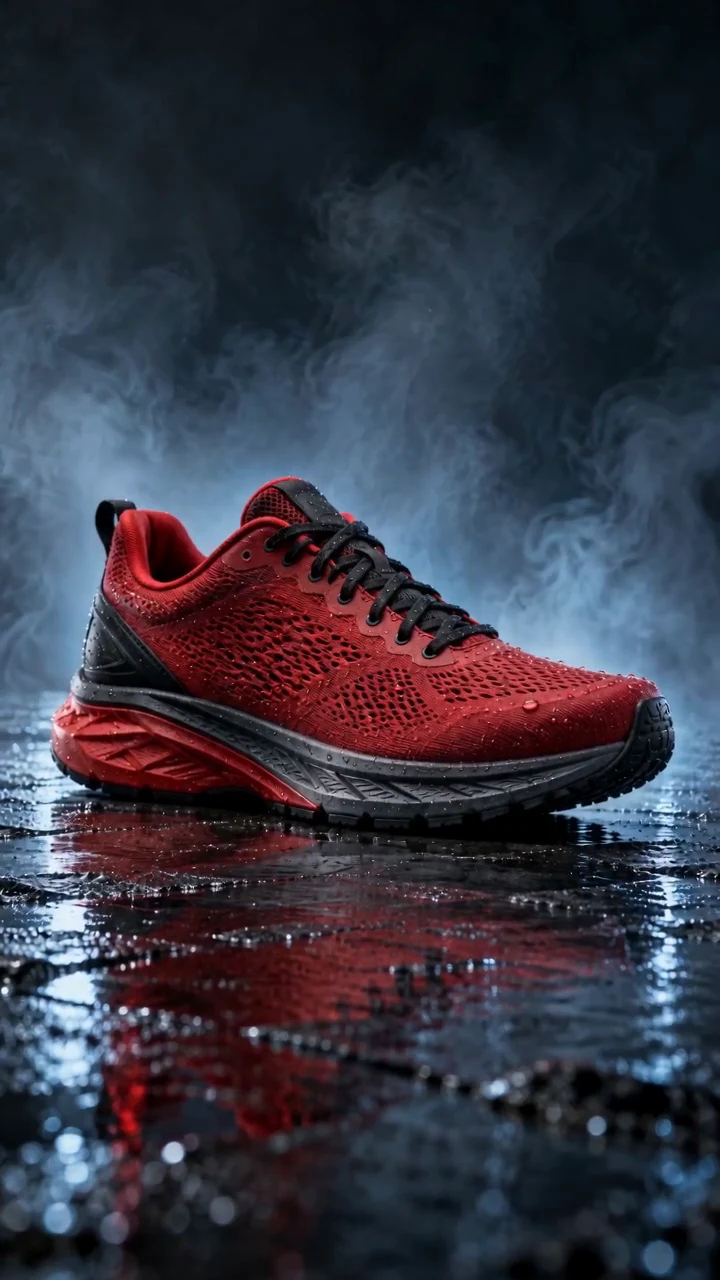
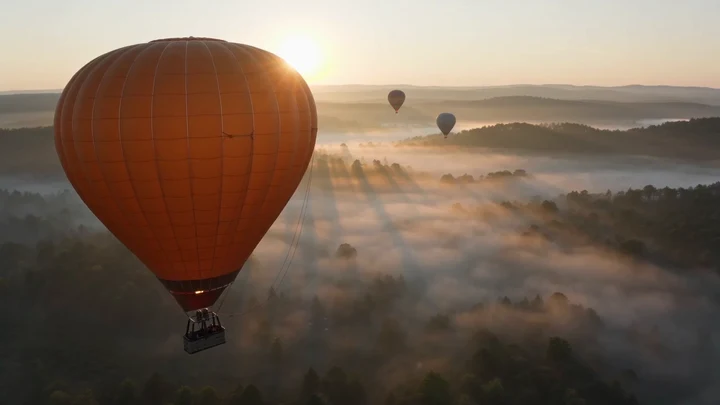
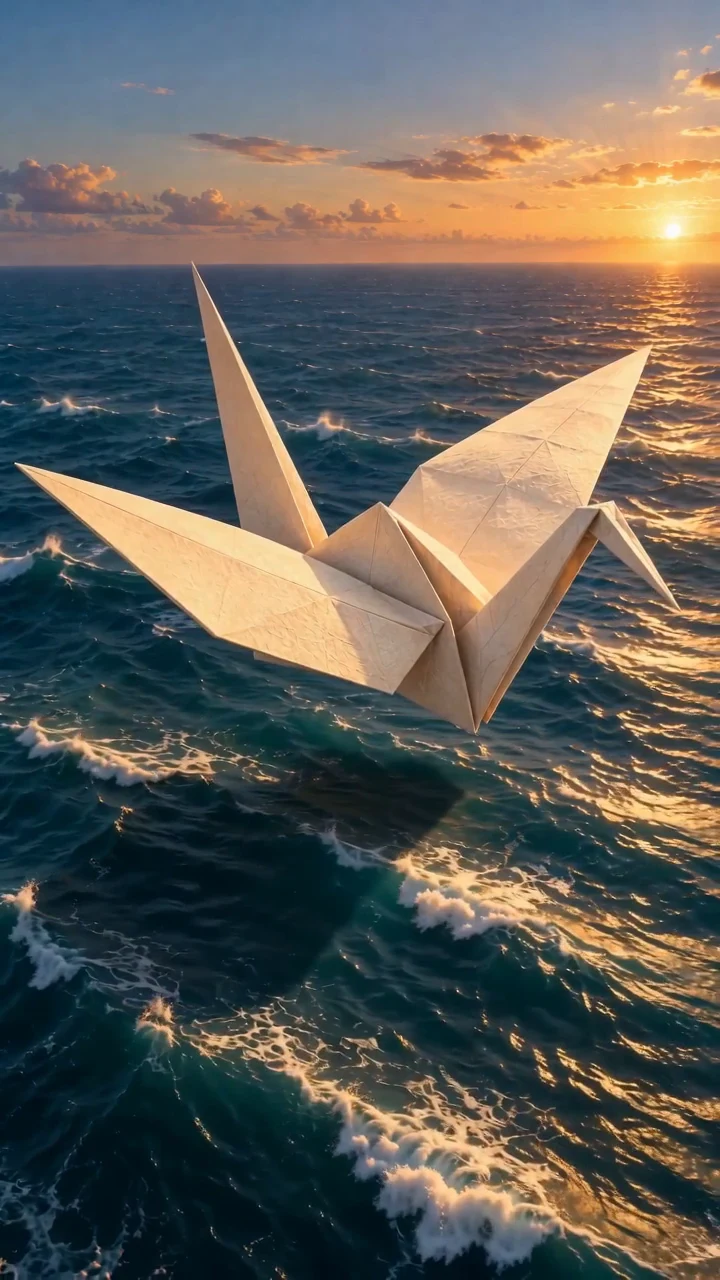
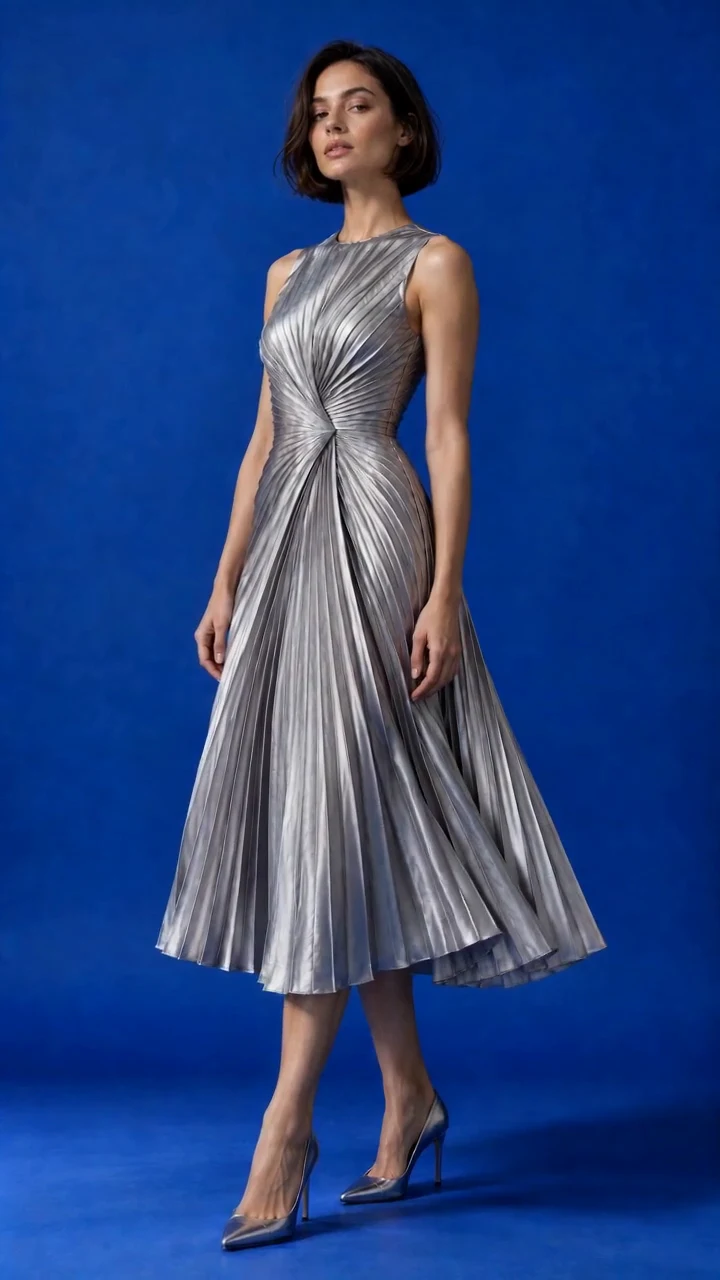

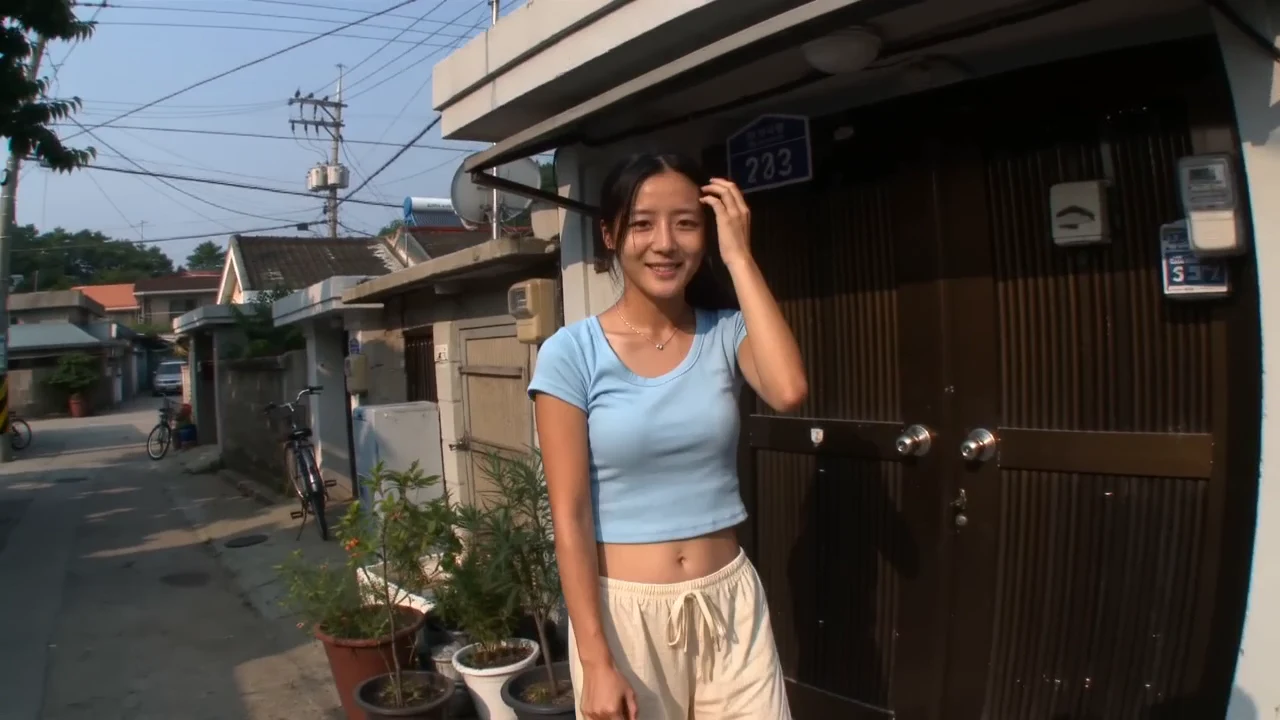
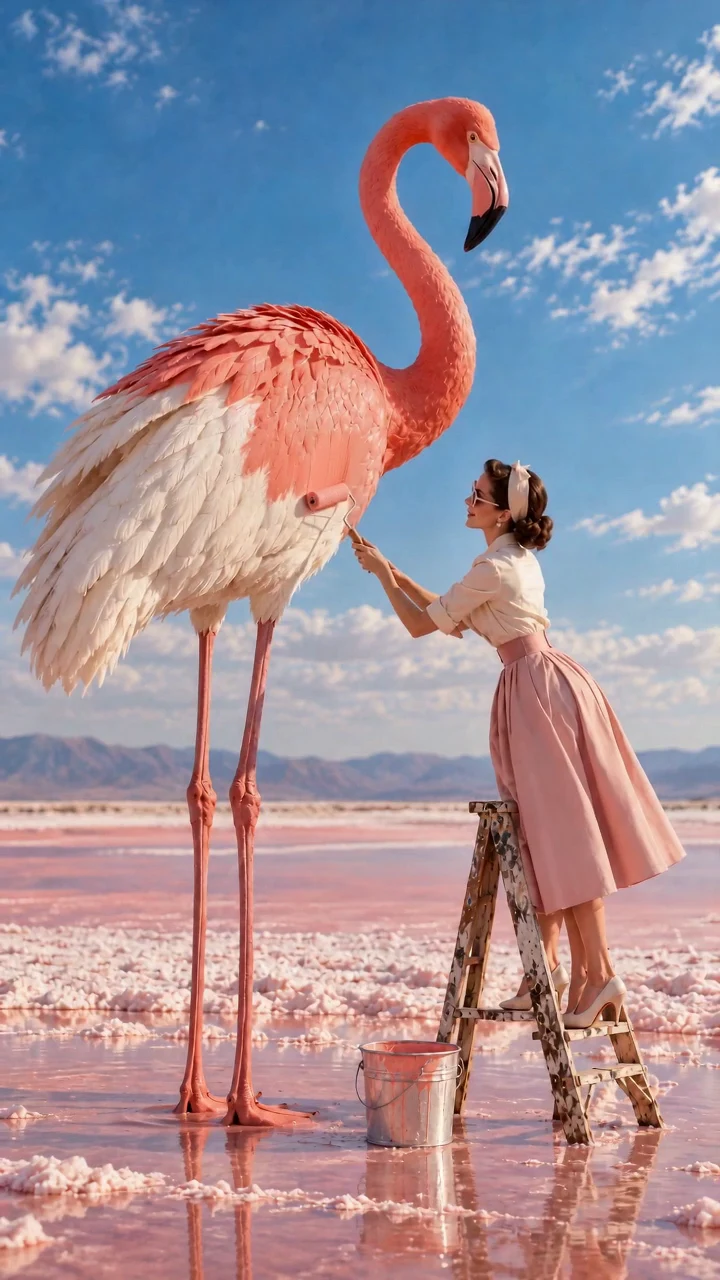
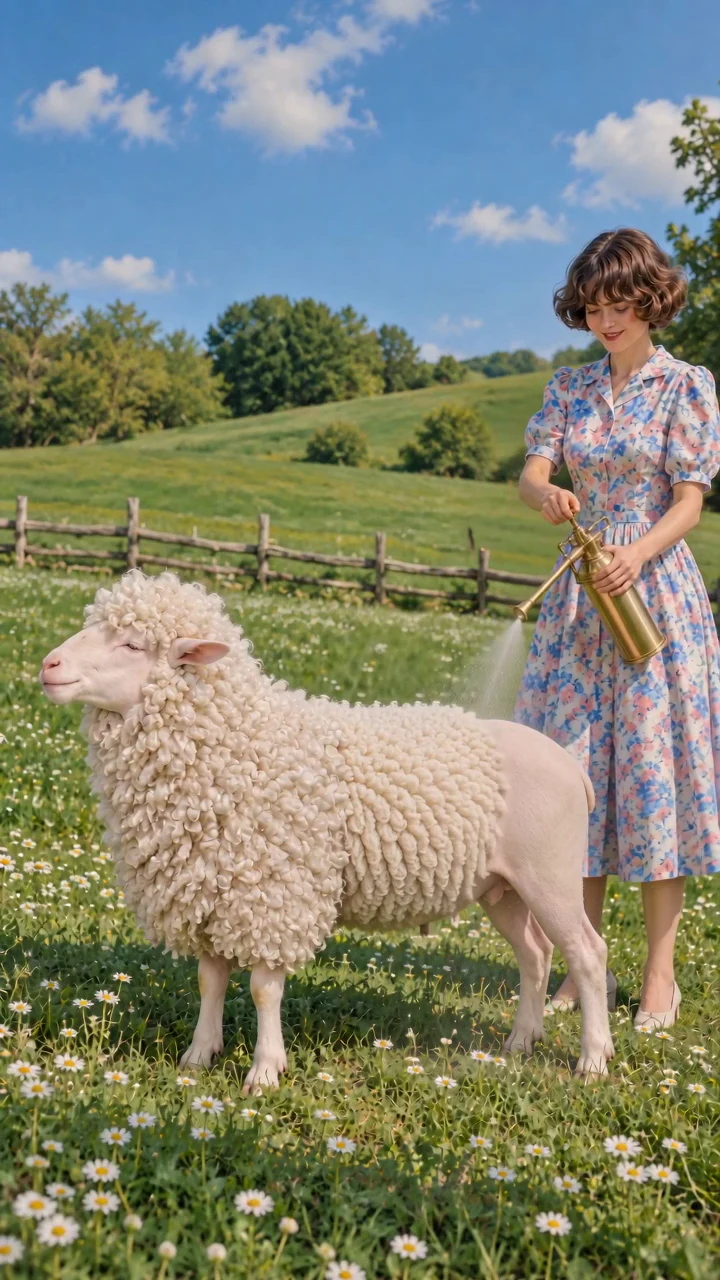
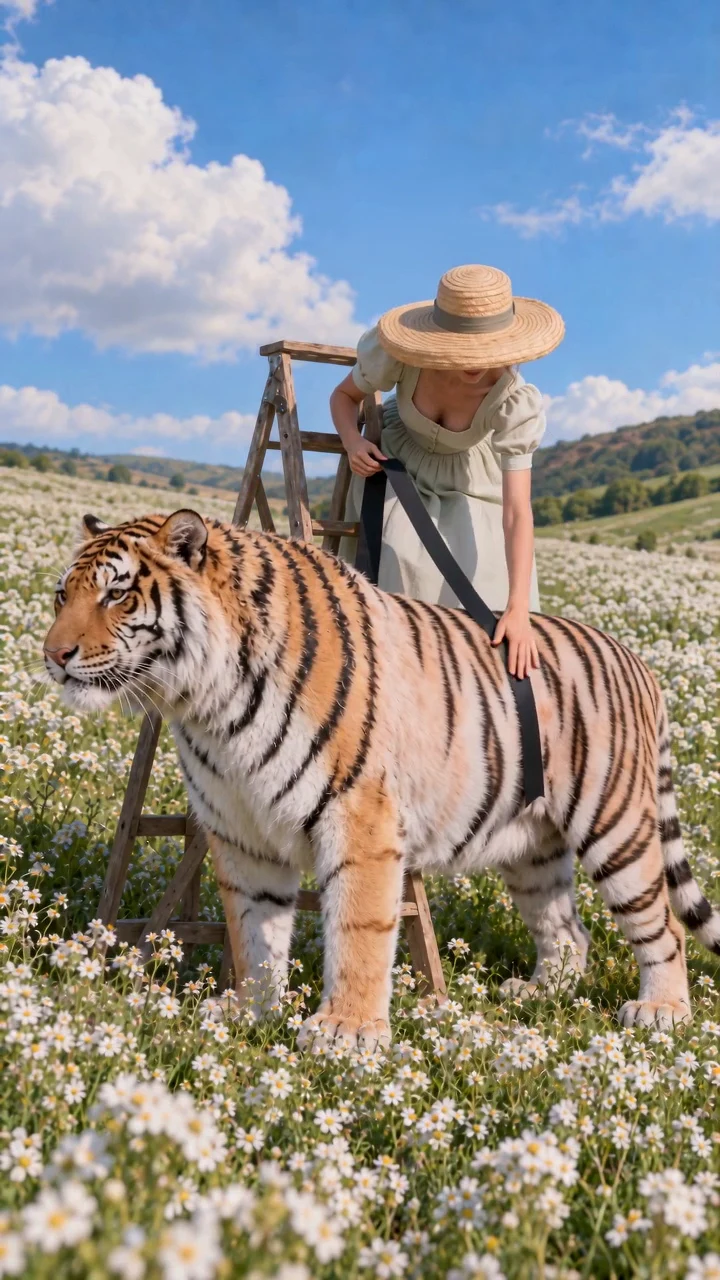
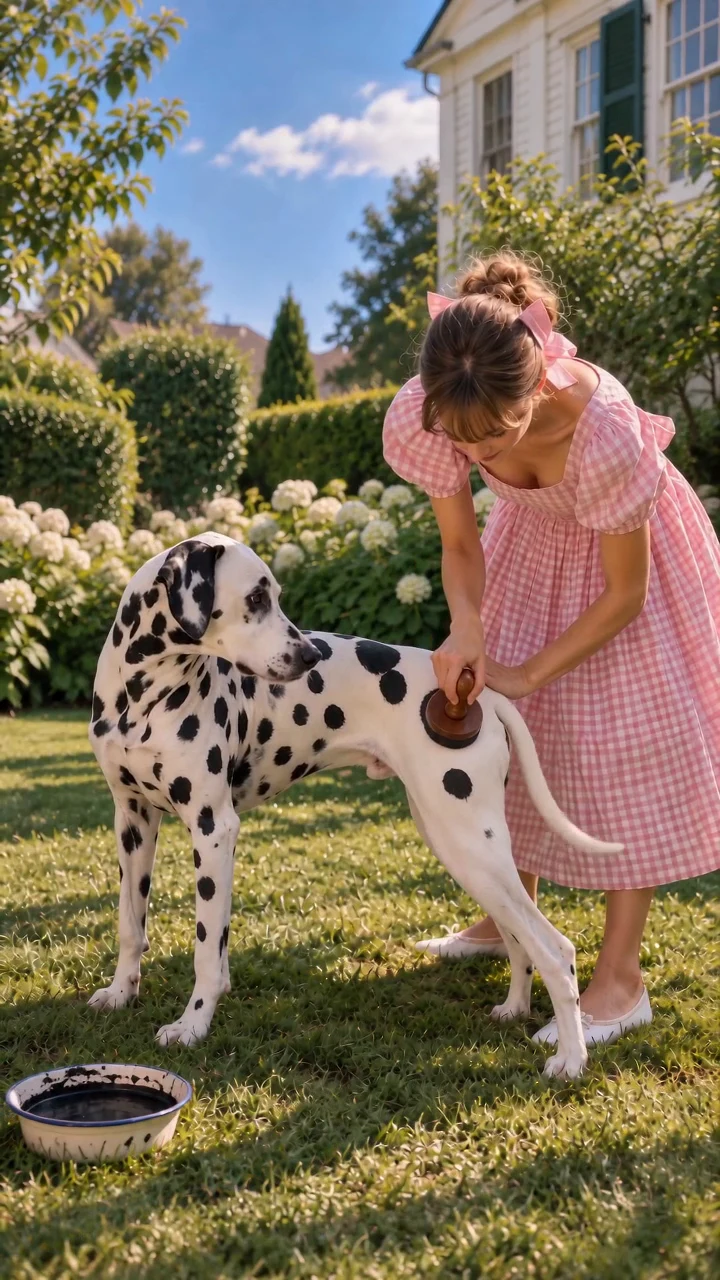
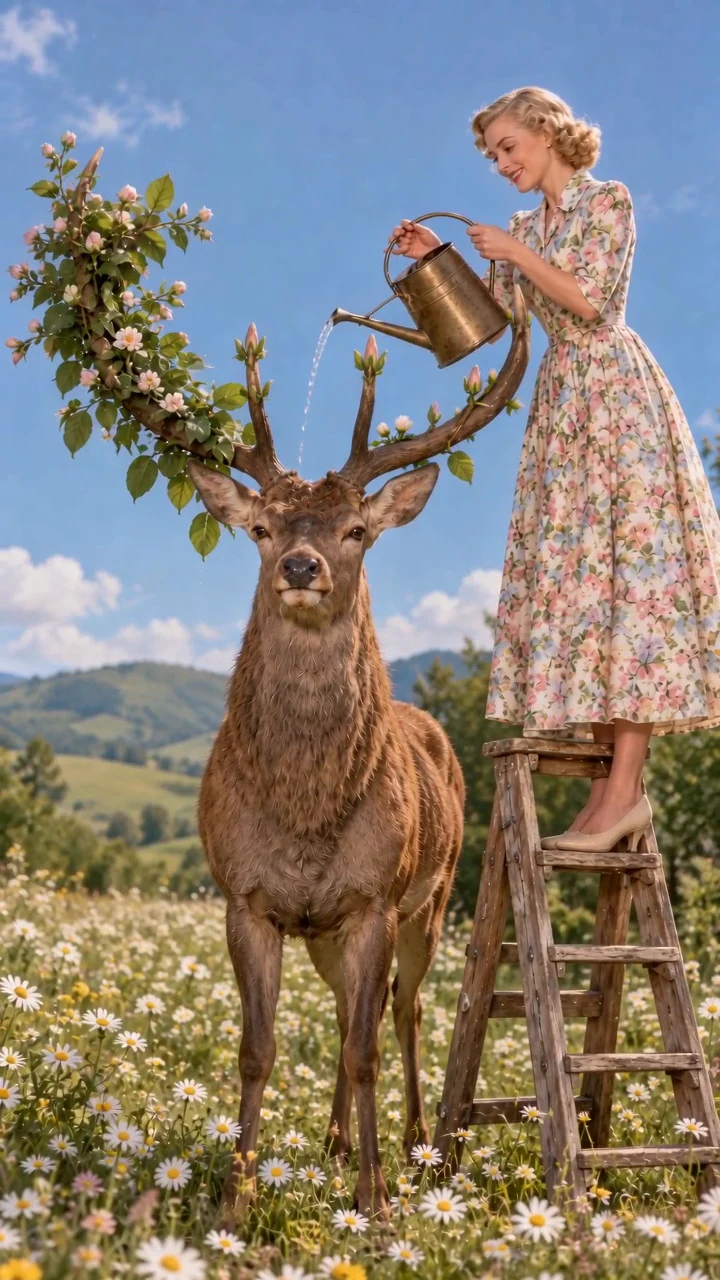
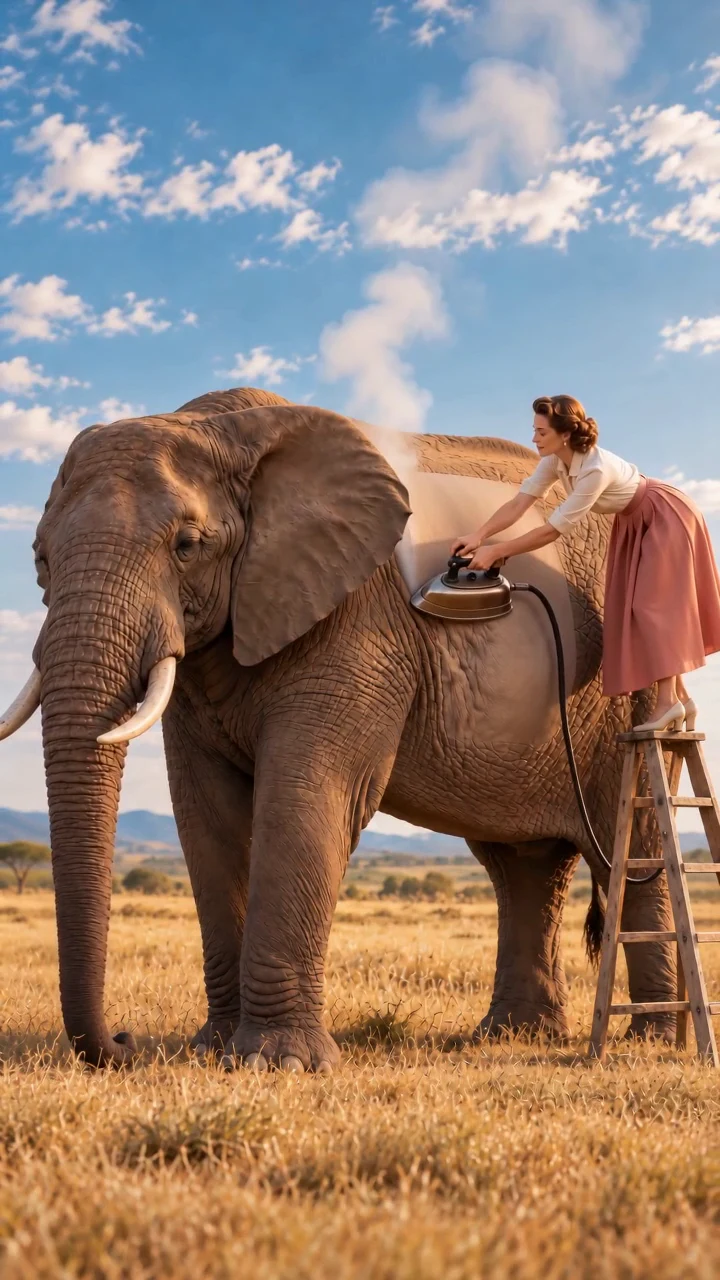
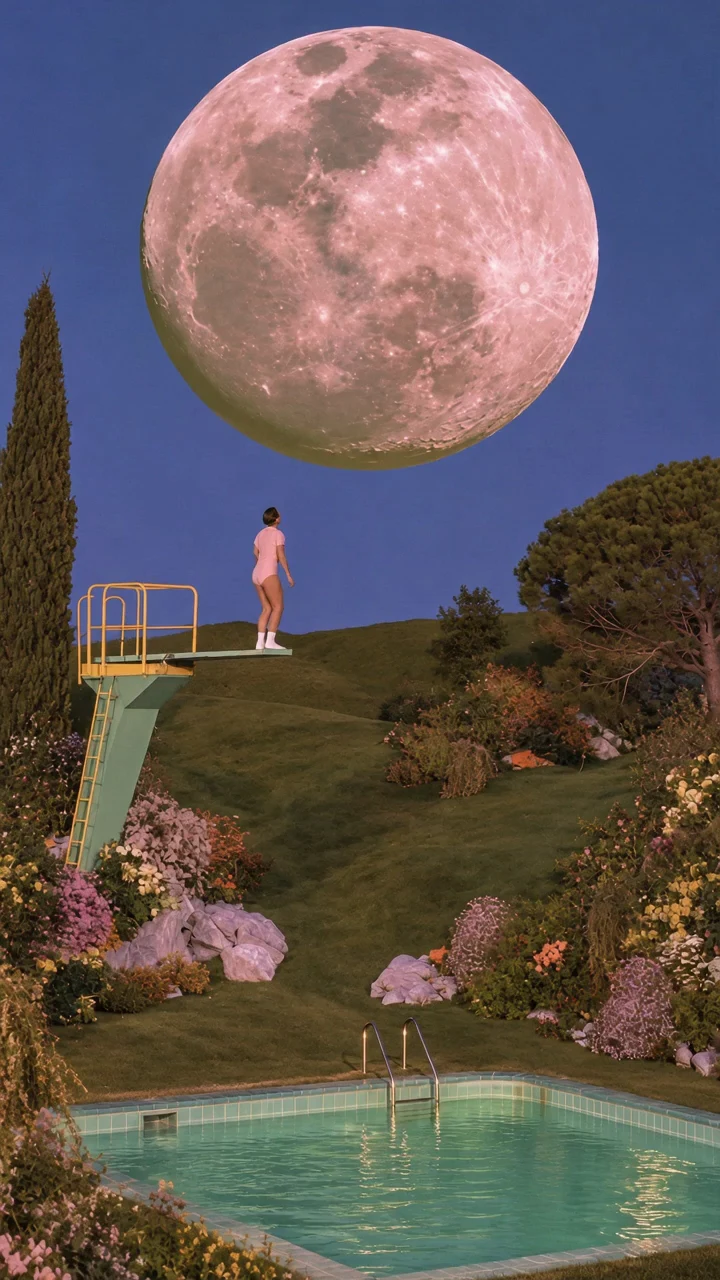
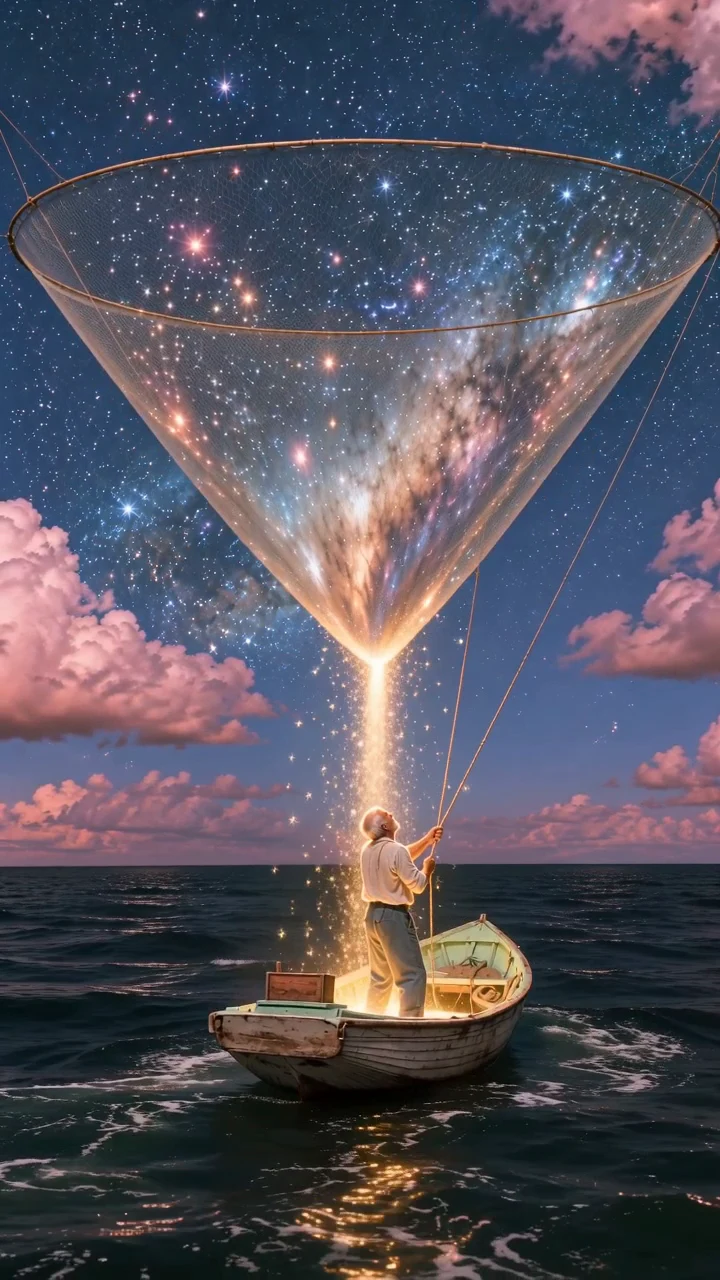
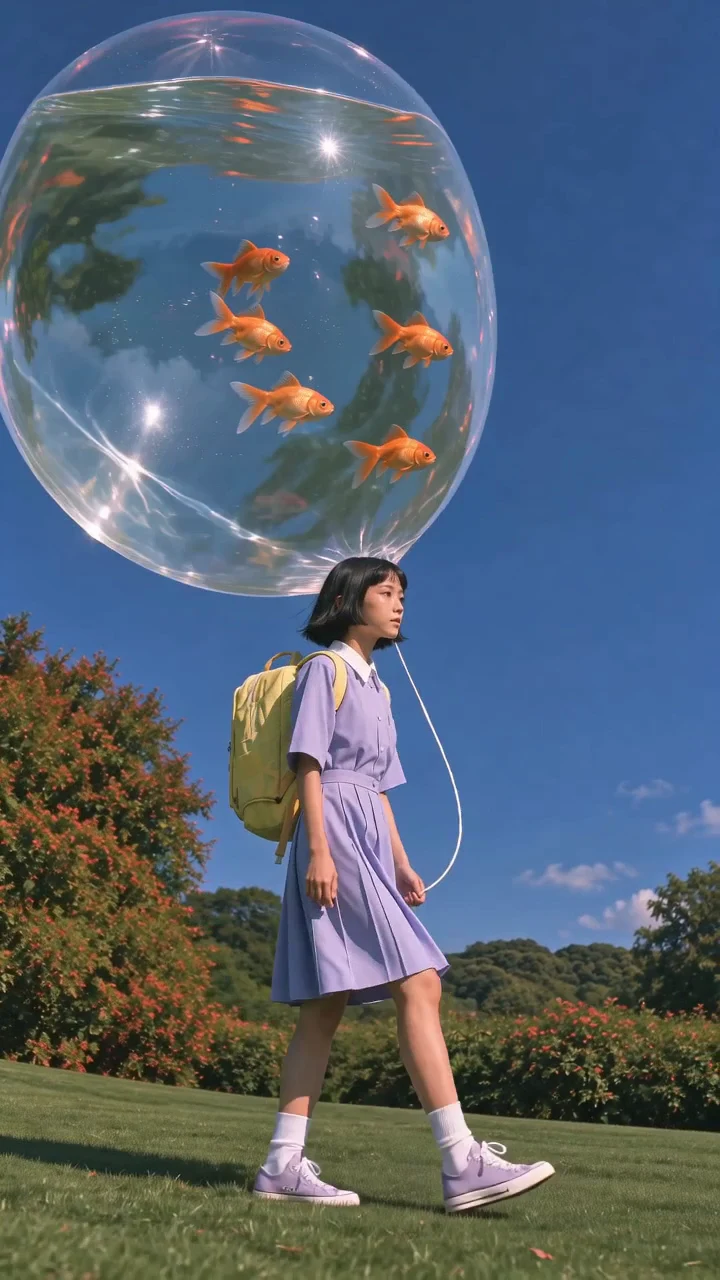
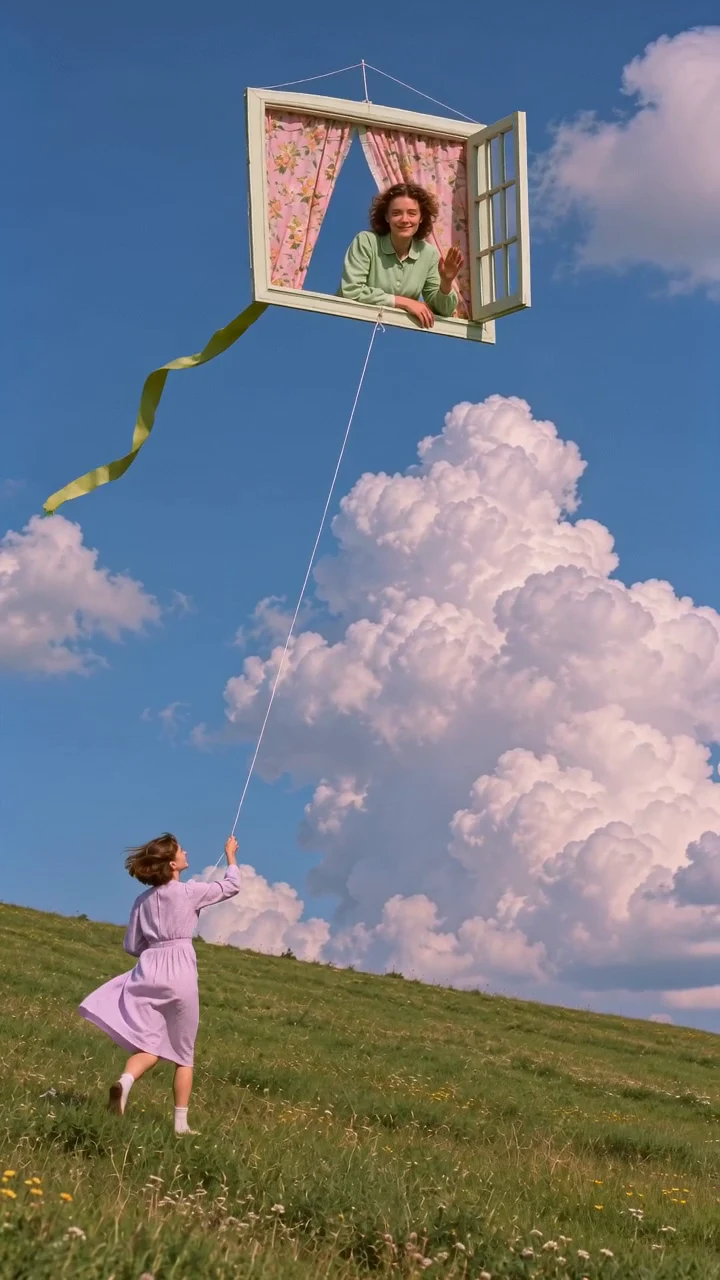
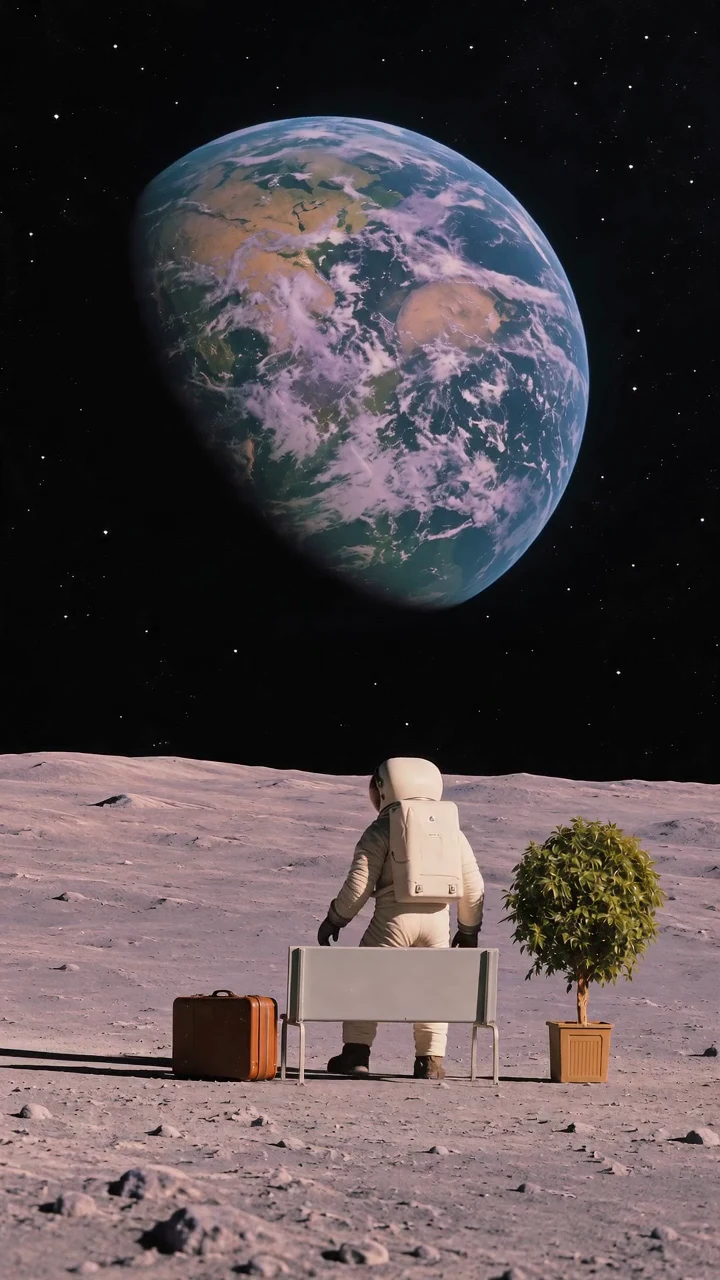
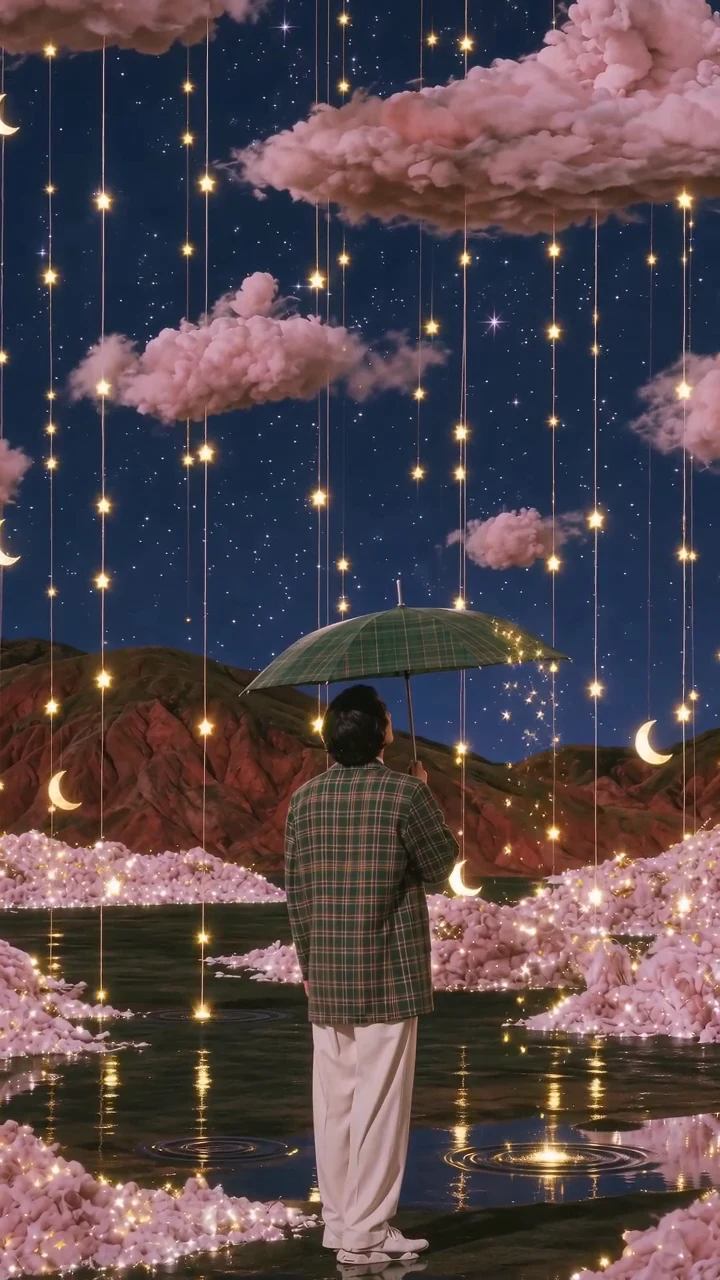
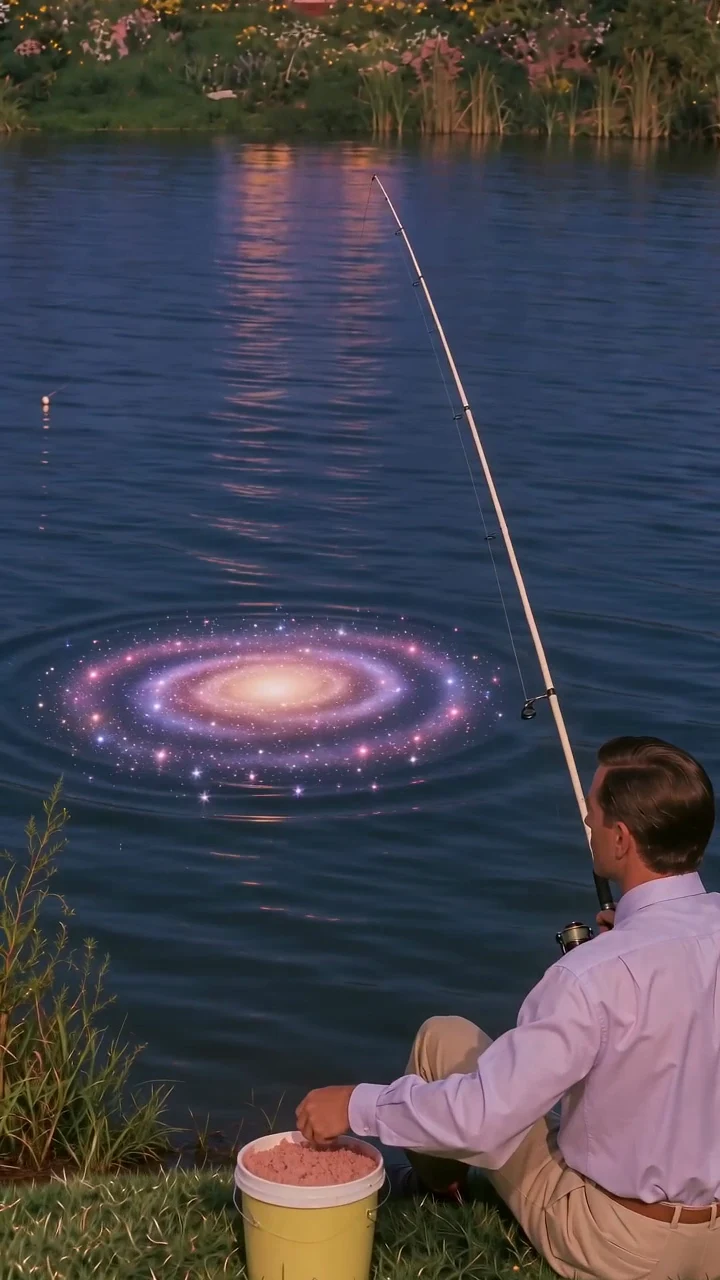
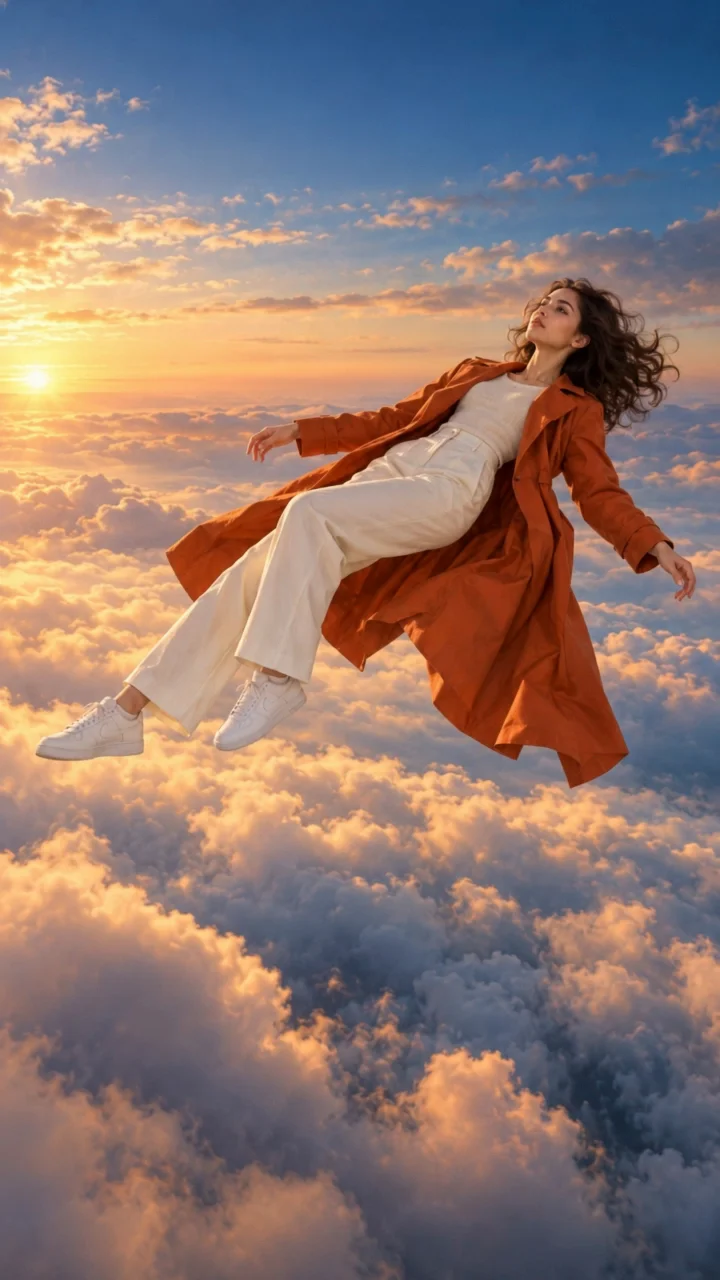
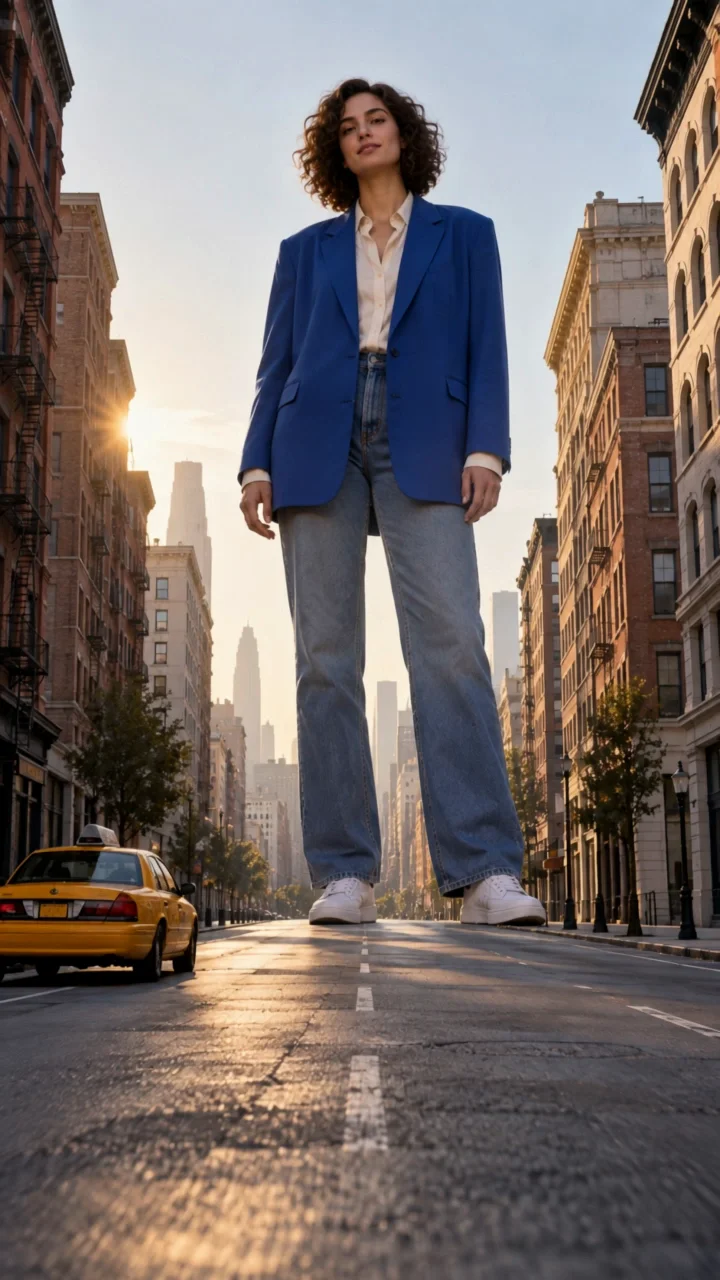

Create video concepts with text prompts, first-and-last-frame guidance, or reference-image mode. Adjust aspect ratio, choose a model, and iterate on motion, pacing, and composition for ads, storyboards, and creator content.
Turn still concepts into short motion studies before committing to a full production or editing timeline.
Generate multiple visual directions for product launches, performance ads, promos, and social storytelling.
Test camera movement, subject behavior, and pacing from prompts or guide frames before final assembly.
Frame mode works best when you already know the opening and ending look of the shot. Reference-image mode is better when you want to guide style, subject consistency, and visual direction across the clip.
Describe subject action, camera movement, scene details, mood, and timing. The more specific you are about motion and composition, the more usable the result tends to be.
Seedance Standard: 8 credits/second. Fast: 10 credits/second. Kling: 10 credits/second + 10 per video. See the total before generating.