

Choose a starter by the result you want
| Starter | Starting goal | Photo to prepare |
|---|---|---|
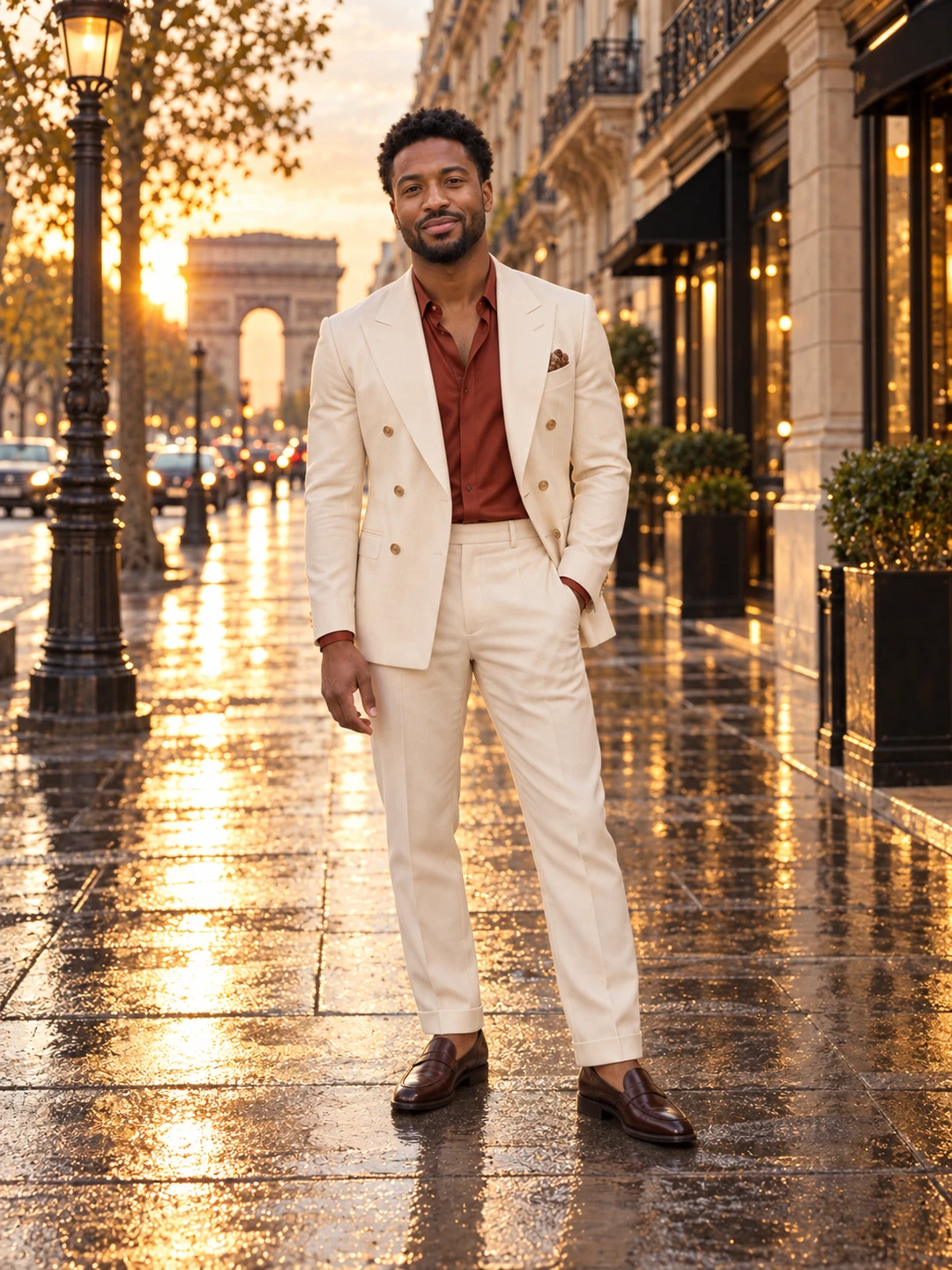
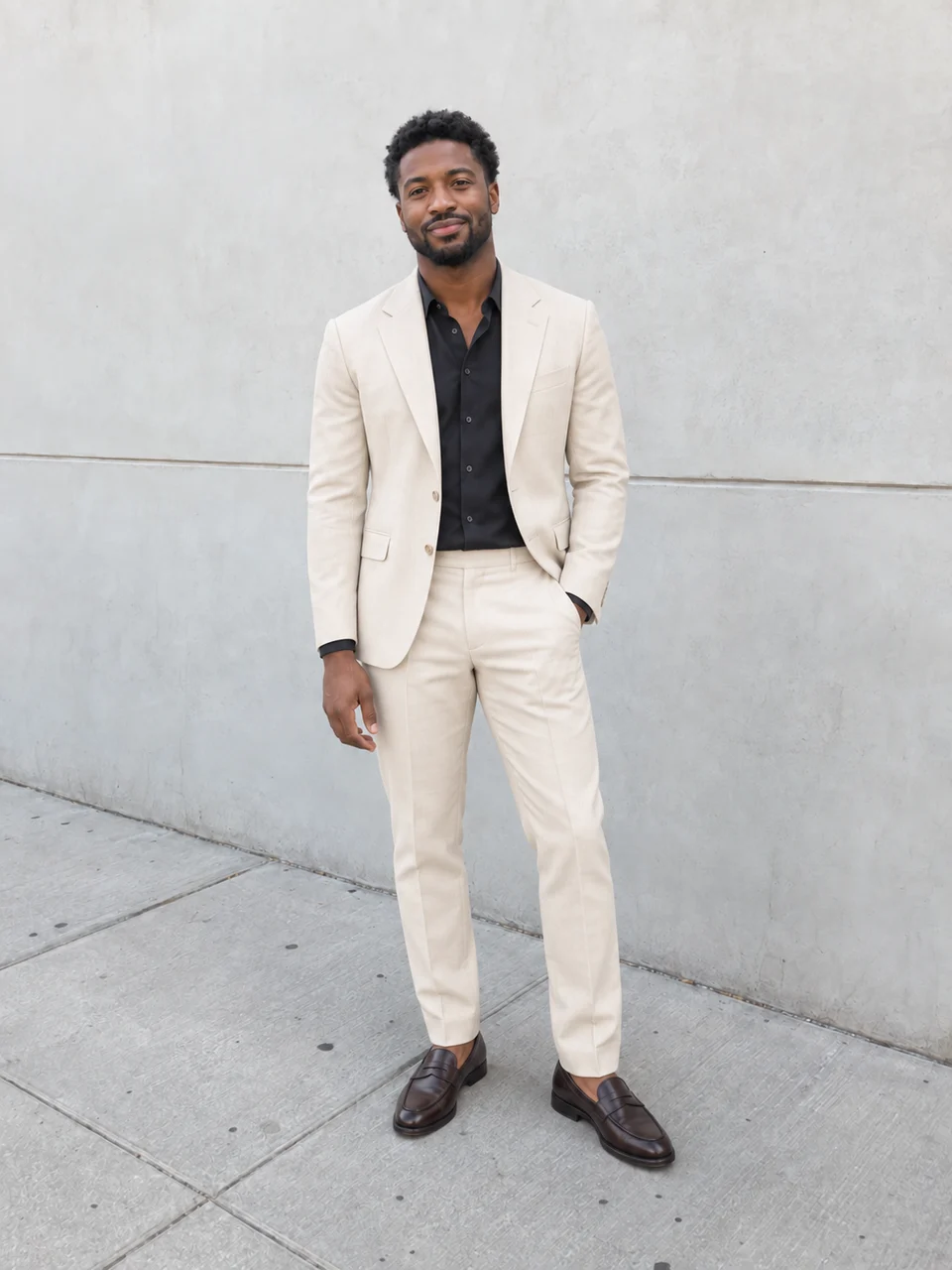
| Fashion Week: Three Worlds | A fashion film built from multiple scenes | A clear full-body photo with face and shoes visible |
| Model for a Day | An editorial portrait | A well-lit photo of one person with a clear face |
| Outfit Switch | A photo with a different outfit direction | A full-body image showing the current clothing |
| Me & Mini-Me | A playful portrait with a miniature double | A clear photo of one person |
The three portrait starters begin with a photo result. Animation, where offered, is an additional step. Fashion Week follows its own staged film workflow. Open a starter’s page for its specific setup and output details; the examples show a creative direction, not an identical result promised for every photo.
Prepare the inputs before running
Choose the template that fits the photo you actually have. For an outfit experiment, a face-only selfie leaves the clothing and pose unclear; start with a full-body image instead. For an editorial portrait, prioritize a sharp, unobstructed face and even light.
On a starter page, choose a style where options are offered and add a photo now or later. Continuing after sign-in opens your prepared workflow project and uploads any selected photos. Opening the project does not itself start paid generation. Review its inputs and settings before running the relevant steps.
Explore saved and community templates
Preview a template’s example and workflow steps, and check the inputs shown on its card. Community templates can have different requirements and outputs from the four starters above.
Use the action to make your own version after sign-in. It creates a project from the reusable setup rather than changing the original template. Replace sample inputs where needed, review the connected steps and confirm the result you intend to make. Your saved templates and published community templates are separate from finished media outputs.
Review credits and results
Before confirming a paid run, inspect the credit estimate for the selected work. Costs depend on the generation steps and settings; adding animation or submitting another generation can use more credits. Browsing examples or creating your project is not the same as running the generators.
Review faces, clothing, composition and any motion before using the output. A template supplies a starting setup; it does not guarantee identity, visual consistency or an exact match to its sample. For individual creative tools, visit DojoClip applications.