Me & Mini-Me
Create an AI photo of you and a tiny stylized double. Choose a desk, cookie or cheering scene, refine the prompt and review both figures before downloading.
1 miniature-double photo · 3:4 by default
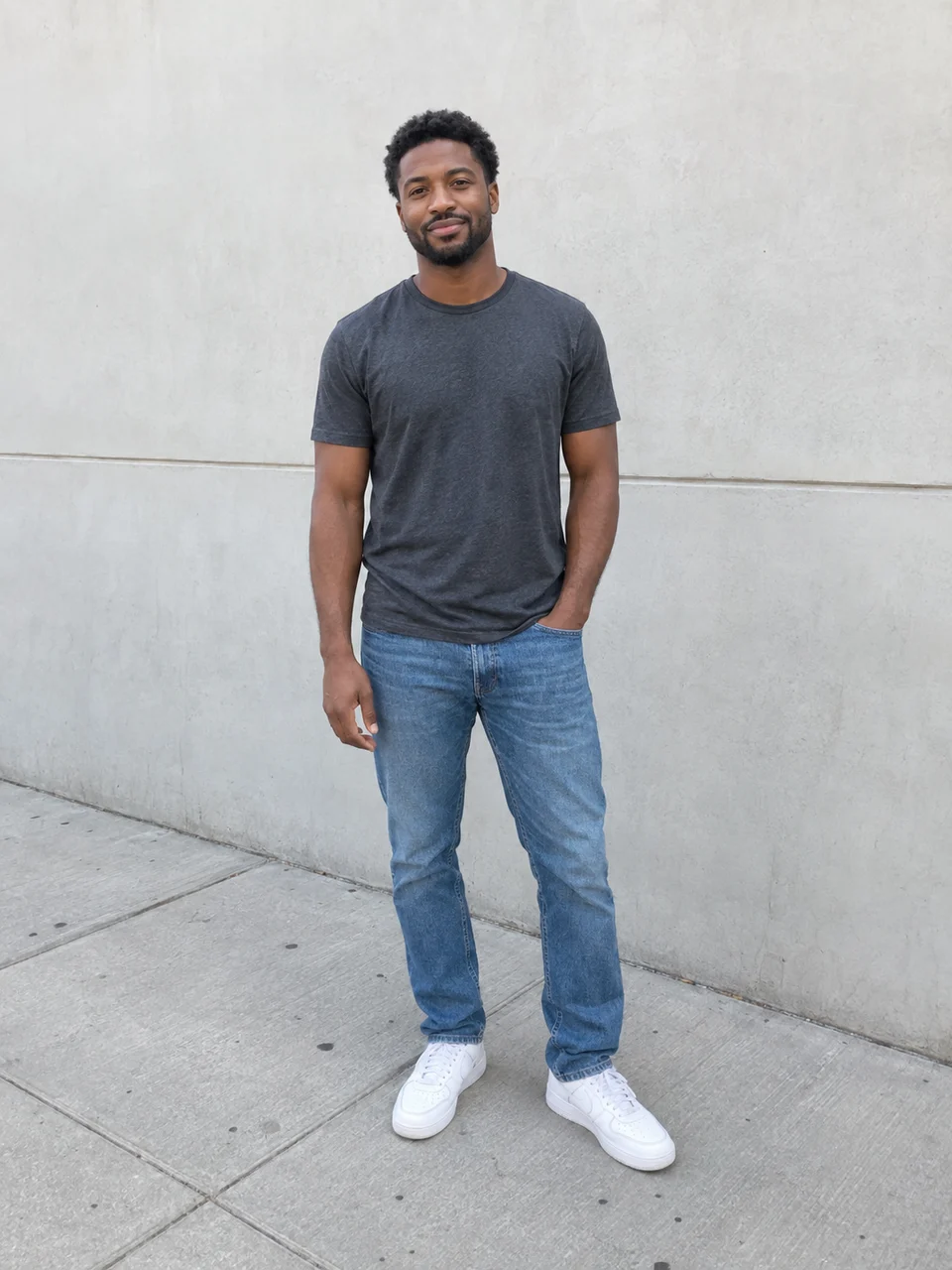 Original
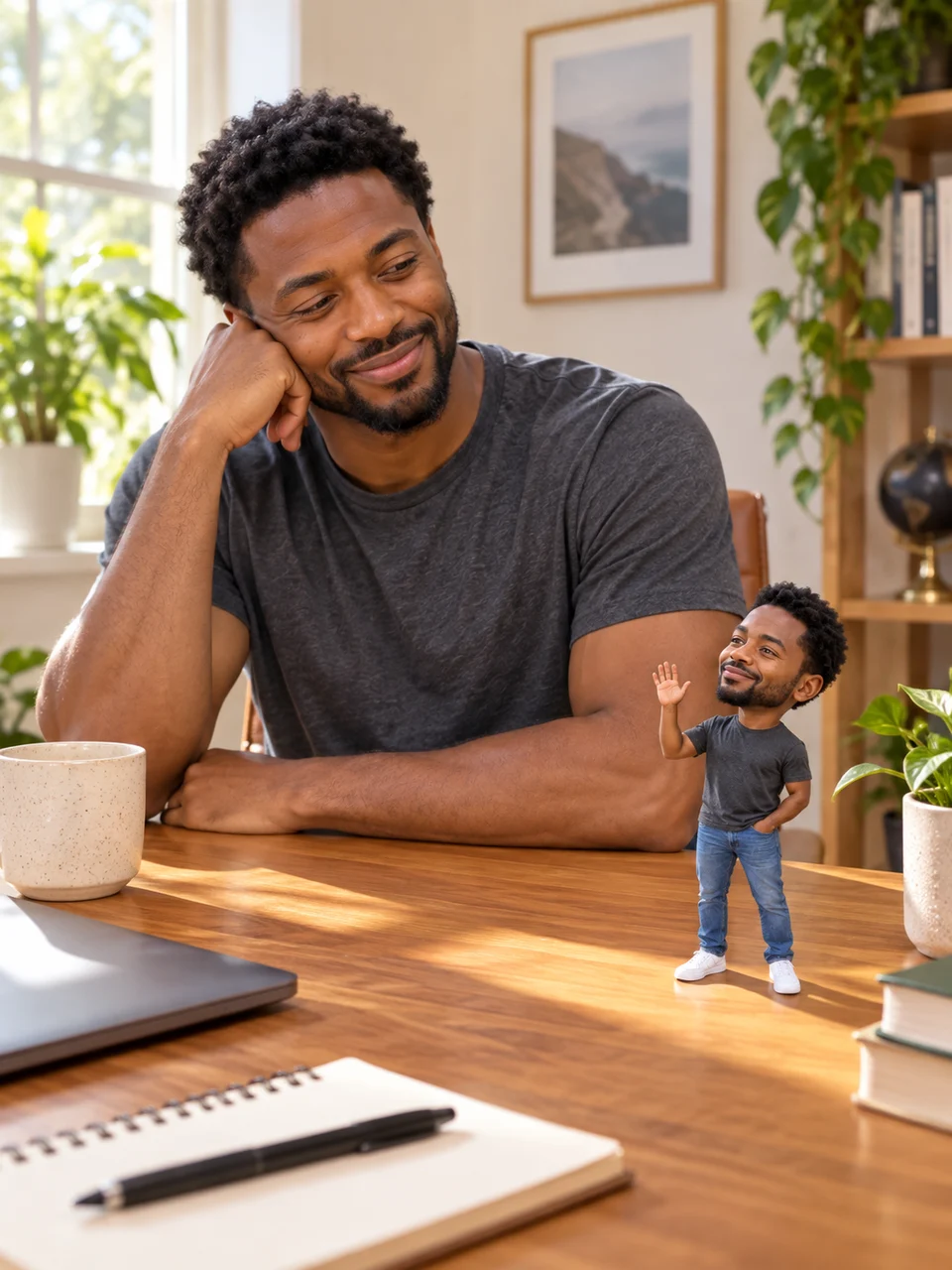 AI result
This template creates a photo · Animation is an extra step
Actual AI-generated example. Results vary with your inputs.
Your photo. Your style.
Start with a photo, or add one later.
Your photo
One person, a clear face and good light.
Photos upload privately when you continue. Review costs before generating.
Tips & details
How it works
- Select a clear photo of one person and choose a scene. Continue after signing in to upload the photo and open the prepared workflow.
- Review the scene prompt and image settings, then start the image step. Check the credit estimate and confirm generation.
- Inspect the full-size person and tiny double, then download the still image. Optional animation needs a separate video step and generation.
For the best result
A visible face, clear hairstyle and distinctive clothing give both figures useful reference details. Keep the scene focused on one simple interaction.
What to expect
The miniature is a stylized interpretation. Likeness, scale and anatomy can vary. The initial output is a still photo; new attempts and optional video generation use additional credits.
Workflow steps
Choose the tiny double’s role
Desk buddy places a waving miniature on a sunny desk beside the seated person. Snack thief puts the pair at a kitchen table, where the tiny double tries to carry an oversized cookie. Tiny cheerleader shows the miniature cheering on the tabletop while the person smiles. Each starting prompt asks for two clearly separated figures with recognizable hair and outfit details. Choose one scene for one photo; the initial image settings use vertical 3:4 framing.
Make the joke clear in a single image
For a playful snack-break post, choose Snack thief and check that the cookie belongs to the small figure’s action rather than hiding either face. Inspect both sets of hands and feet, the miniature’s contact with the table and the size difference between the figures. If the scene feels crowded, simplify the prompt before another paid attempt. The prepared scene can be edited; changing its text does not alter an already generated image.
Mini-me photo questions
What source photo should I choose?
Use one JPG, PNG or WebP up to 10 MiB, showing one person with a clear face and visible clothing. A full-body or upper-body photo gives more outfit detail than a tight face crop. Selection stays in your browser until you continue after sign-in, which uploads it to your workflow project.
What kind of mini-me does this create?
It creates a flat image containing the person and a tiny stylized double. The miniature is a fictional version of the same person, not a reconstruction of their childhood. The download is an image, not a physical figurine or a printable 3D model.
Will both figures look exactly like me?
The prompt uses the source person’s recognizable features and asks for matching hair and outfit details, but resemblance is not guaranteed. Check both faces, proportions and limbs. A new generation may change details of either figure or the surrounding scene.
Can I customize the scene?
Yes. The workflow exposes the prepared prompt and available image settings. You can describe a different prop, clothing detail or simple interaction before generating. Keep the two figures and their actions easy to distinguish. The three presets are alternatives, not three outputs included in one run.
Is the animation example included, and when do I pay?
Opening the workflow prepares the project without generating media. The image run requires confirmation of its credit estimate. The playable example demonstrates a separately generated animation; your first result is a still photo. To explore motion, add and connect a video step on the canvas and review its settings and cost separately.