Event posters and flyers
Give the agent the event name, date, location and booking details. Arrange a clear headline and supporting information, then correct the copy directly in editable text areas.
Describe the layout you need, provide the exact words and add your images. Build a design you can refine through chat and the available canvas controls, then review and export it. Projects require sign-in; AI generation and revision requests use account credits.
Example designs from the agent
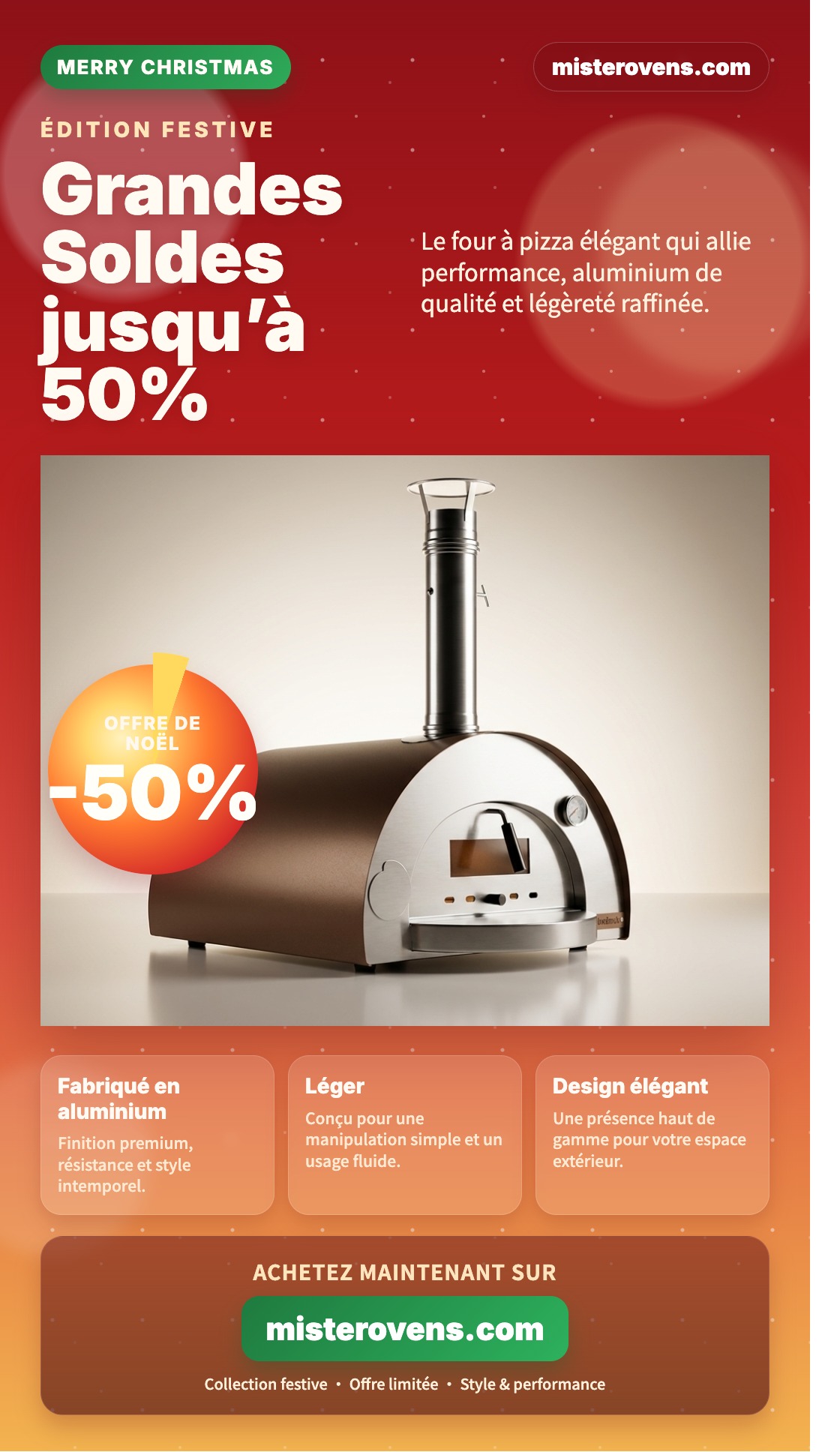
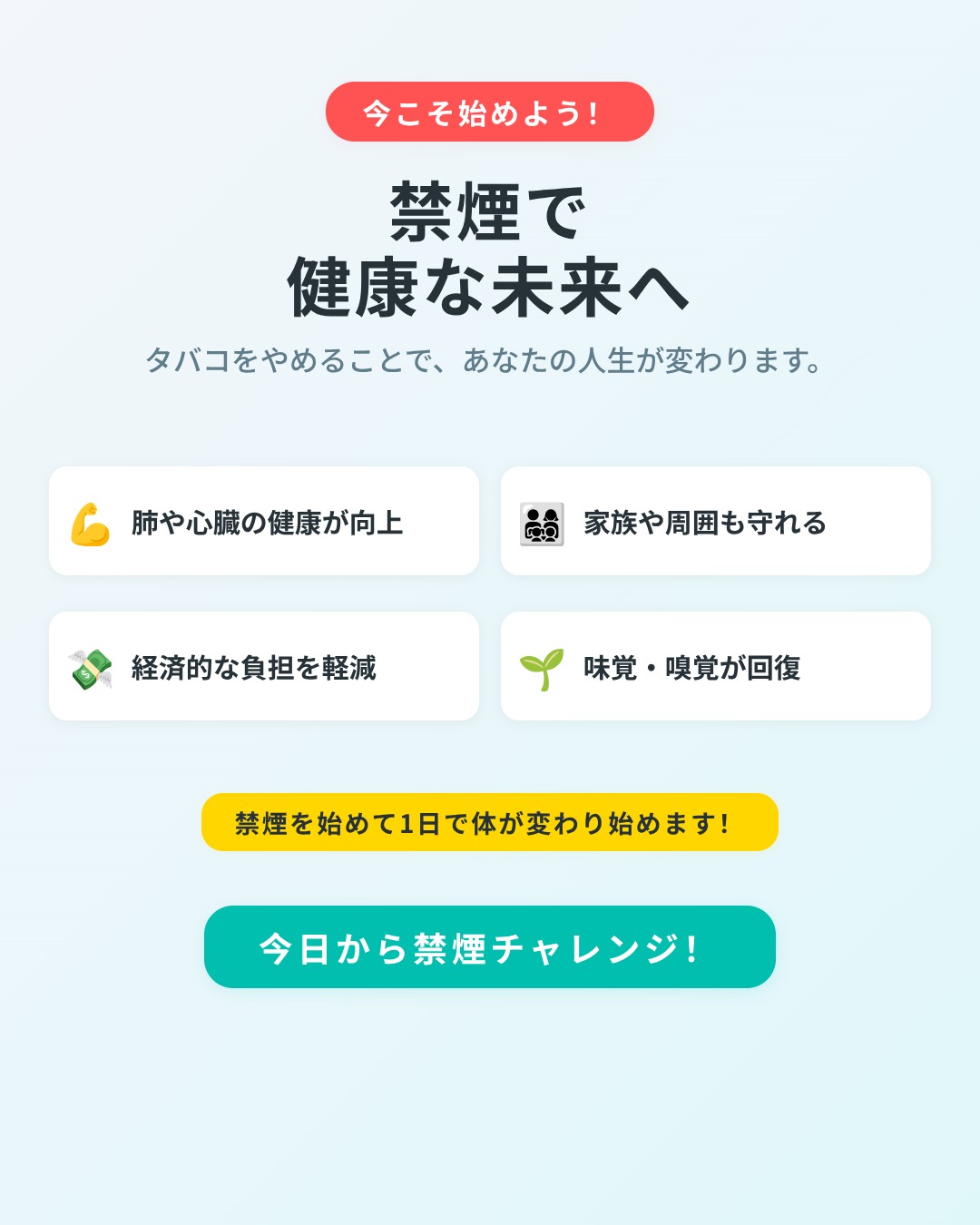
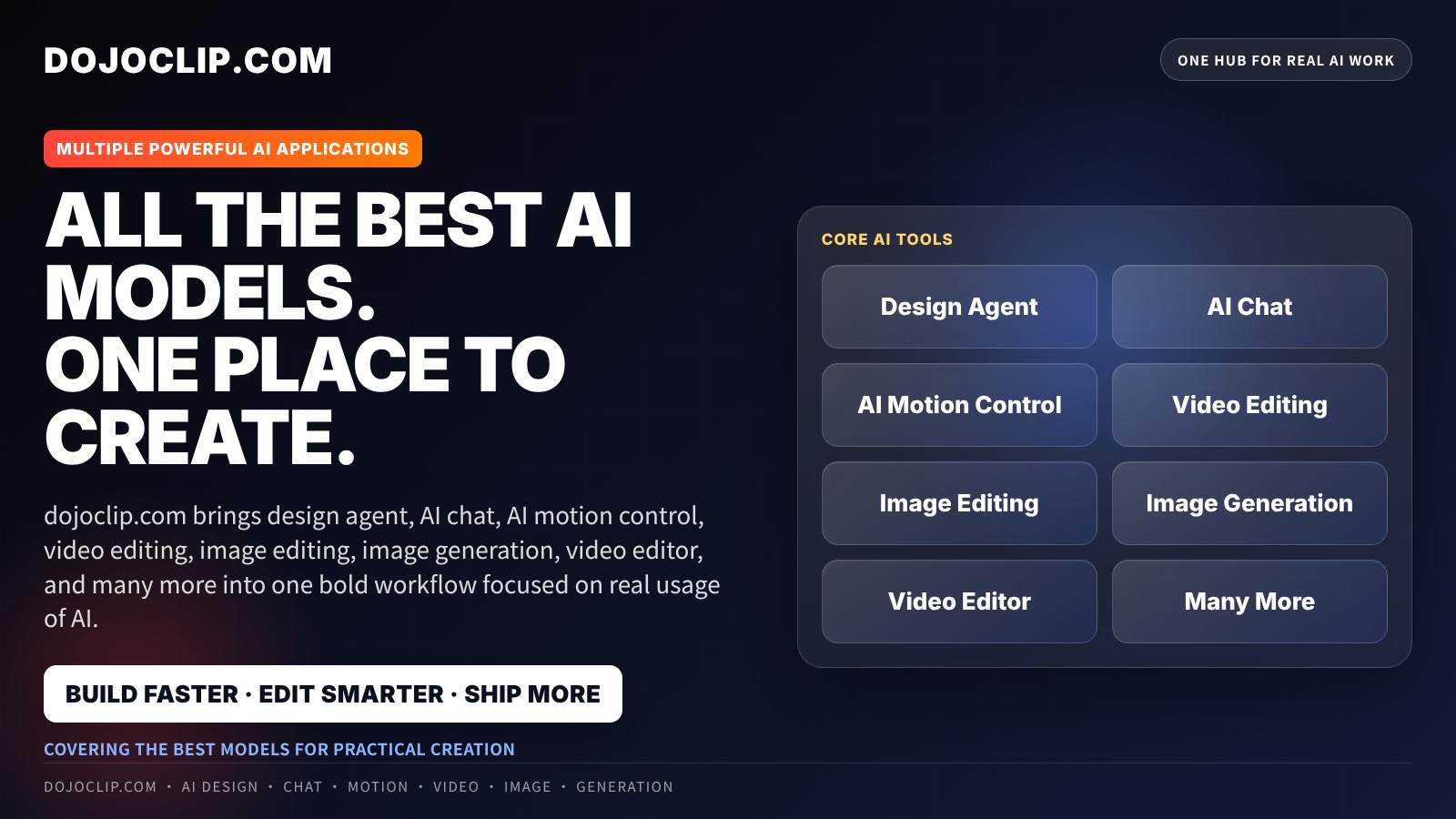
Learn how to prepare a design brief, generate a layout, refine the text and composition, and export the finished image.
A useful brief says what the design is for, who should read it, the exact copy, the desired size and the visual direction. For a neighborhood café menu, supply the drink names and prices in a short list, specify a light background and dark readable type, and attach the café logo as an asset. Add a reference only if it illustrates the layout or style you want.
Choose the target format first, then send the brief. When a design is available, inspect its editable text and layout. Correct an individual price directly when possible; use chat for a broader change such as making the drink categories easier to distinguish. A follow-up request should explain what to change and what to retain.
Before exporting, check the menu at the size customers will actually see. A headline can look good while descriptions are too small or a long item wraps awkwardly. Use preview to review the composition, then choose PNG or JPG and the export area that includes the intended content.
Keep the project for later revisions and keep the download for use outside DojoClip. For other tasks, browse DojoClip applications.
Give the agent the event name, date, location and booking details. Arrange a clear headline and supporting information, then correct the copy directly in editable text areas.
Supply the item names, descriptions and prices in full. Review grouping, reading order and spacing, and update an editable text block when a detail changes.
Turn an offer, opening announcement or short message into a designed layout. Use your own logo or image as an asset and choose the target format before starting.
Create a standalone illustration or scene when you need a picture rather than an editable graphic layout.
Describe changes to an uploaded photo in the separate AI photo editor.
Use the dedicated product-photo workflow when the product and its campaign message are the starting point.
Follow the workspace guide for preparing a brief, refining a design and exporting.
Design Agent builds a layout with editable text and regions in the project. An image generator produces a picture from a prompt. Uploaded photographs and other raster images remain image assets; their internal lettering and objects are not automatically separate editable layers.
References guide visual style or composition; they are not intended to be placed directly in the result. Assets are the logos, photos or other images you want included. Assign the correct role and explain where each belongs. Attachments are uploaded for online processing.
Choose the project format and target size before the first message. The initial setup locks once the project starts. Later canvas and export controls have their own scope; do not rely on a chat request to convert the project into every format. Start a new design when you need a different setup.
Available manual text and layout controls save edits without starting a new AI request. Sending another chat instruction starts a separate AI run and uses credits. Review the instruction before sending; the single-design workflow does not require a separate plan-approval step.
The single-design export offers PNG and JPG images. Editable content stays in your DojoClip project; those downloads are flattened images. Check the chosen export area and the downloaded result before sharing or sending it to print.
Check names, dates, prices, contact details and spelling against your original brief. Inspect text wrapping, contrast and image placement at the intended viewing size. Generated layouts can still need corrections, and an image export alone does not guarantee print-production requirements.