What happens if I leave the additional requirement blank?
The workflow still works. It uses your product images and any other inputs you provide to draft a sensible commercial poster direction instead of leaving the prompt too vague.
Ads & Product
Upload one or more product images, optionally add one line of ad copy, guide the scene if you want, and generate poster-ready campaign visuals.
Product images
Optional. Leave blank if you want a text-free poster without added headline copy.
Leave the additional requirement blank if you want the workflow to invent a tasteful poster scene for you.
Review uploaded product references and finished poster outputs in one place.
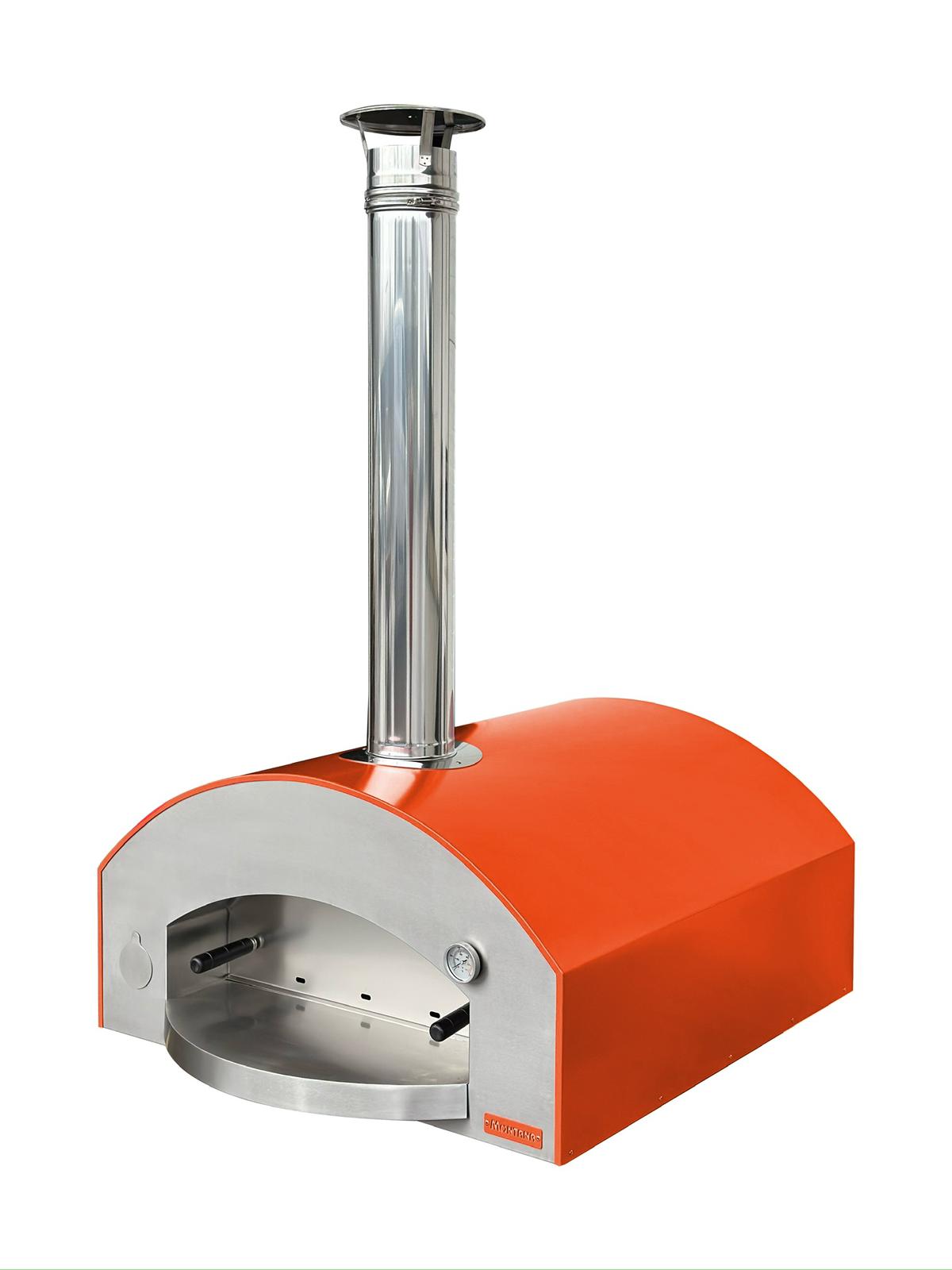
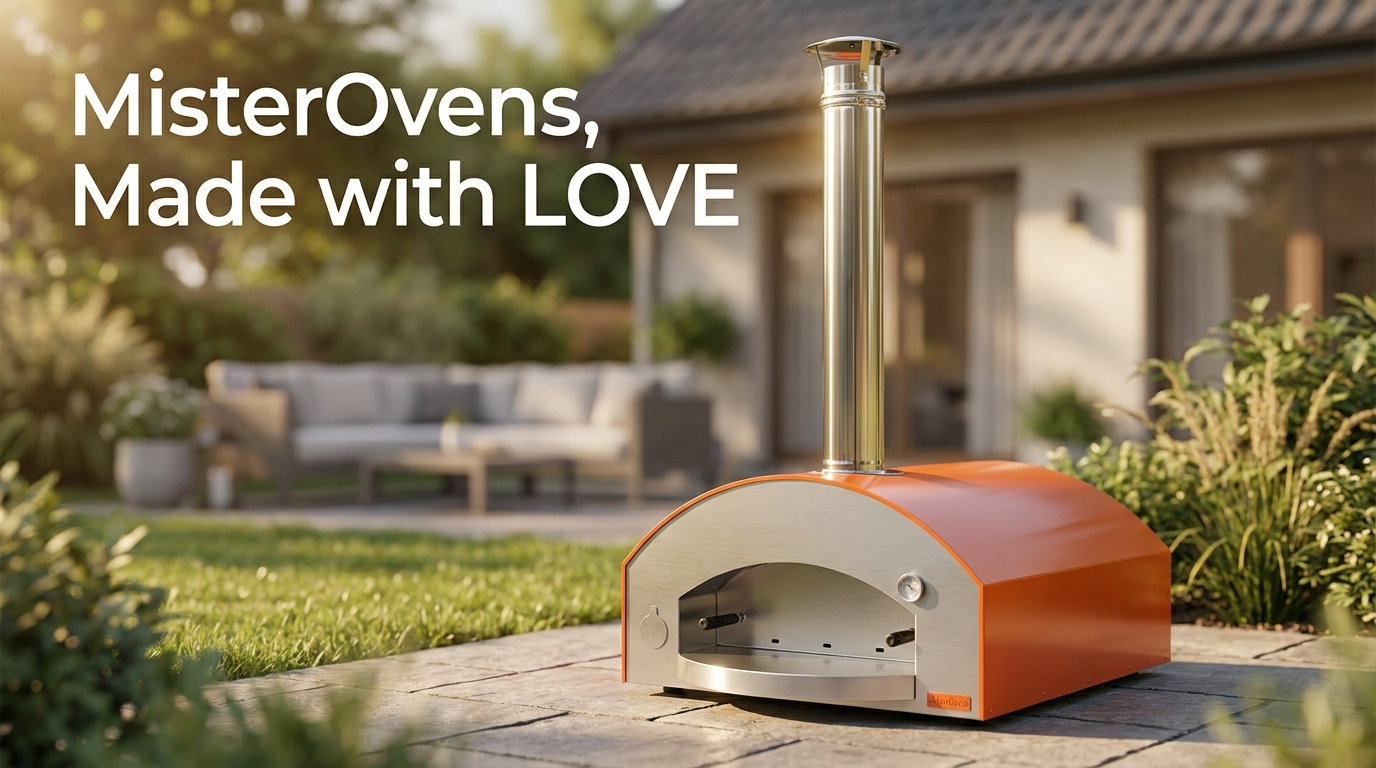
Start with clean packshots, product cutouts, or multiple angles that define the product you want to keep consistent.
Write a one-line campaign message if you want text in the poster, and optionally describe the setup you want, such as a table scene, studio poster, kitchen environment, or outdoor placement.
The workflow drafts a fuller image prompt behind the scenes and renders the final poster composition with Nano Banana Pro.
You do not need to reverse-engineer the whole image prompt. The workflow turns your product images, optional copy, and optional requirement into a more complete poster prompt before generation.
If you already know the environment you want, the prompt draft follows it. If you leave the requirement blank, the workflow fills in a tasteful poster idea instead of forcing you to invent one.
Upload more than one product image when you want the result to stay closer to packaging details, materials, and hero angles.
Product To Poster is made for a specific gap in image generation workflows: you already have the product images and the campaign line, but the final visual prompt is still underspecified.
That usually shows up in a few ways:
This workflow narrows that gap. You upload the product references, optionally provide ad copy, and optionally describe the setting you want. The app then drafts a fuller commercial poster prompt before the image render runs.
If you leave the additional requirement blank, the prompt-drafting step still supplies a restrained poster idea so the result does not feel underdirected or generic.
The workflow still works. It uses your product images and any other inputs you provide to draft a sensible commercial poster direction instead of leaving the prompt too vague.
Yes. This is useful when you want the model to see multiple angles or multiple products that belong in the same poster composition.
That is the goal. When you provide an additional requirement, the prompt-drafting step is designed to prioritize it and only add supporting details around your request.