Turn your song into an AI music video
Upload a finished track and let the AI plan narrative scenes from its lyrics, mood, and structure, then generate and assemble the shots into a complete music video.
Upload your music and choose a video style. Create an AI story music video or music visualizer.
My Music VideosWatch completed music videos and compare visual styles.
18 animated templates
Find the motion that fits your music. Pick an animation, then add your song, artwork, and lyrics in the visualizer.
Silent demo previews. Your song drives the animation in the editor.
Clean glowing bars for fast, flexible exports.
Use templateRetro tape deck with reactive reels, LEDs, and VU needles.
Use templateA glowing oscilloscope ribbon that flexes around a center line.
Use templateSpectrum bars mirrored above and below the center for a symmetric look.
Use templateA radiant 360-degree spectrum wrapped around a pulsing center.
Use templateLayered electric ribbons with a bright oscilloscope glow.
Use templateConcentric neon ripples expand and flash with every low-end hit.
Use templateOrbiting particles accelerate, scatter, and sparkle across the mix.
Use templateYour artwork breathes with the bass inside a glowing record-style frame.
Use templateA soft organic form stretches, ripples, and changes shape with the mix.
Use templateStars rush toward the viewer as the track grows louder and faster.
Use templateA wall of luminous tiles maps every frequency band into color.
Use templateFlowing color fields blend, drift, and swell with the song's energy.
Use templateMirrored geometric color slices rotate and bloom with each frequency layer.
Use templateA spinning record, glowing groove, and tonearm move with the beat.
Use templateFrequency history becomes a rolling neon landscape with depth and motion.
Use templateElectric branches snap across the frame on percussion and bright frequencies.
Use templateElegant flowing lines trace bass, mids, and treble with a restrained look.
Use template12 visual styles
Give your song a world of its own. Choose a visual style, then bring your story and characters to life.
Style illustrations. Your video is generated from your song and characters.
Playful animation for children's songs, sing-alongs, and family stories.

Gentle manga-inspired animation with expressive faces and colorful storybook worlds.
Use this style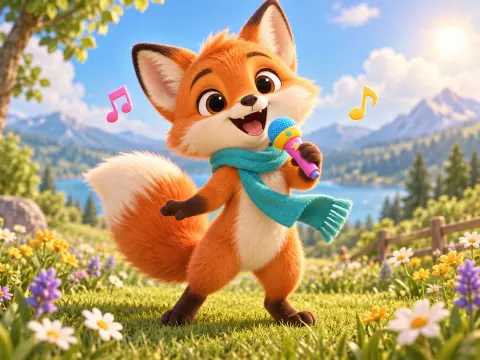
Storybook wonder, expressive 3D characters, and warm, magical lighting.
Use this style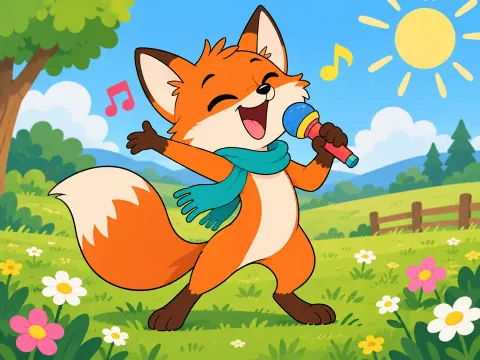
Bold 2D shapes, bouncy movement, and cheerful Saturday-morning cartoon energy.
Use this style
Cute pastel characters, tiny cozy worlds, and soft, simple animation.
Use this styleExpressive film, collage, and illustration styles for every kind of song.
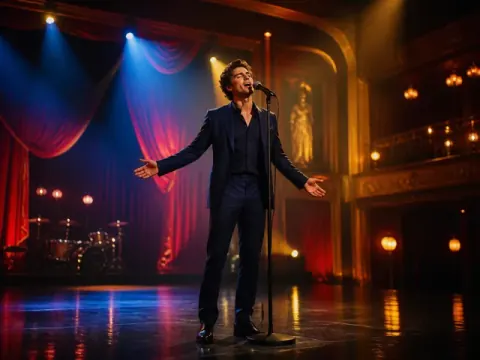
Luminous theatrical color and graceful musical staging.
Use this style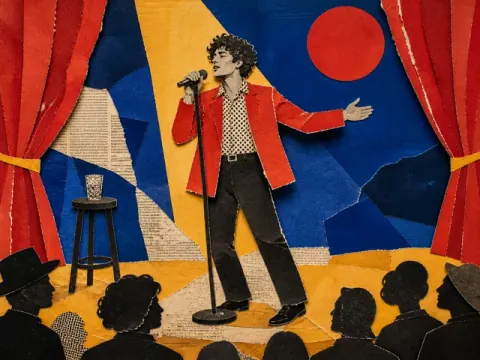
Torn paper, magazine layers, and tactile stop-motion energy.
Use this style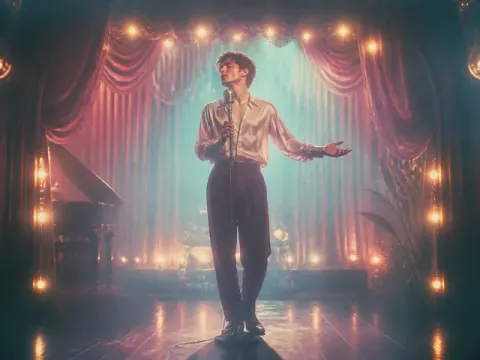
Soft halation, pastel light, and intimate analog texture.
Use this style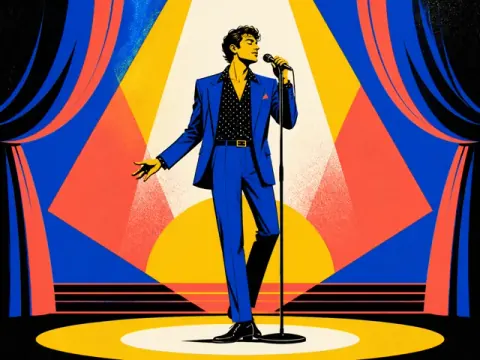
Bold poster color, crisp silhouettes, and editorial rhythm.
Use this styleExpressive street visuals, bold performances, and dance-floor energy for rap, hip-hop, and dance music.
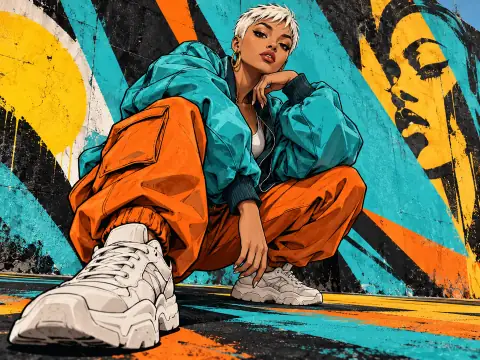
Colorful graffiti, bold outlines, and expressive painted textures.
Use this style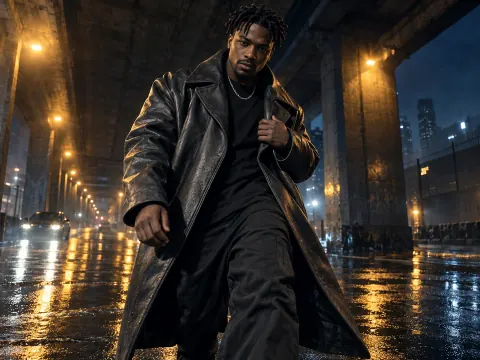
City streets, dramatic lighting, and confident cinematic performances.
Use this style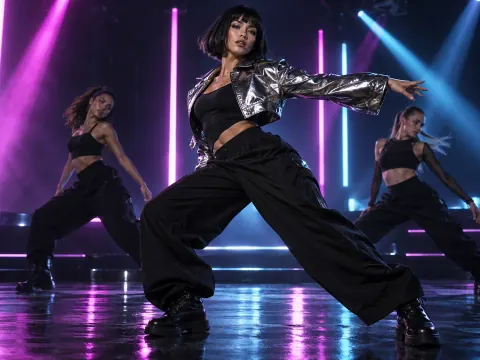
Colorful spotlights, glowing silhouettes, and energetic dance floors.
Use this style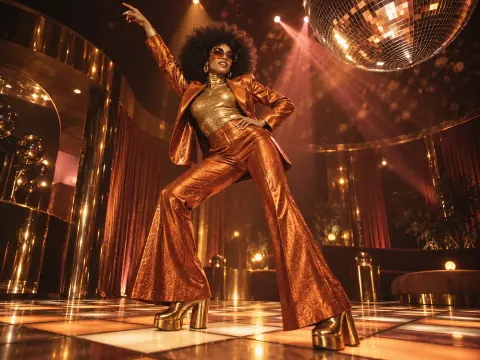
Mirror balls, glitter, warm colors, and seventies-inspired style.
Use this styleMake an AI music video from an uploaded song, or choose a beat-synced music visualizer for waveforms, motion graphics, and lyrics. Compare every format before creating videos for YouTube, TikTok, Reels, and music releases.
Upload a finished track and let the AI plan narrative scenes from its lyrics, mood, and structure, then generate and assemble the shots into a complete music video.
Pair your audio with synchronized lyrics, waveforms, spectrum animation, and beat-reactive motion graphics when a visualizer fits the release better than a narrative video.
Choose a landscape, square, or vertical format for a full music video, lyric promo, album teaser, Spotify Canvas-style loop, YouTube Short, or social post.
Turn an uploaded song into a narrative, lyric-aware AI music video with generated scenes and beat-driven shots.
Make a waveform, spectrum, lyrics, or motion-graphics video that reacts to your music.
Create a song, hook, or instrumental first, then turn the finished audio into a music video.
Render a beat-synced visualizer MP4 in your browser with no watermark, upload, or account.
Open the AI Story Music Video generator, upload your song, choose a title and visual style, and optionally add a character image. DojoClip analyzes the track and lyrics to plan scenes, generate shots, create video clips, and assemble the final music video.
AI Story Music Video and AI Music Visualizer are available now. Use Story Music Video for generated narrative scenes or Music Visualizer for waveforms, lyrics, spectrum animation, and audio-reactive motion graphics.
A story music video uses AI-generated scenes and shots to interpret the song as a narrative. A music visualizer turns the audio itself into beat-synced graphics such as waveforms, spectrum bars, animated lyrics, and motion effects.
Yes. Choose AI Music Visualizer when you want lyrics and audio-reactive graphics to lead the video. Choose AI Story Music Video when you want lyric-aware visual storytelling with generated scenes.
No. Choose a format, upload your song, and set the visual direction. Each workflow handles the specialized planning and rendering, while previews help you check the result before continuing.