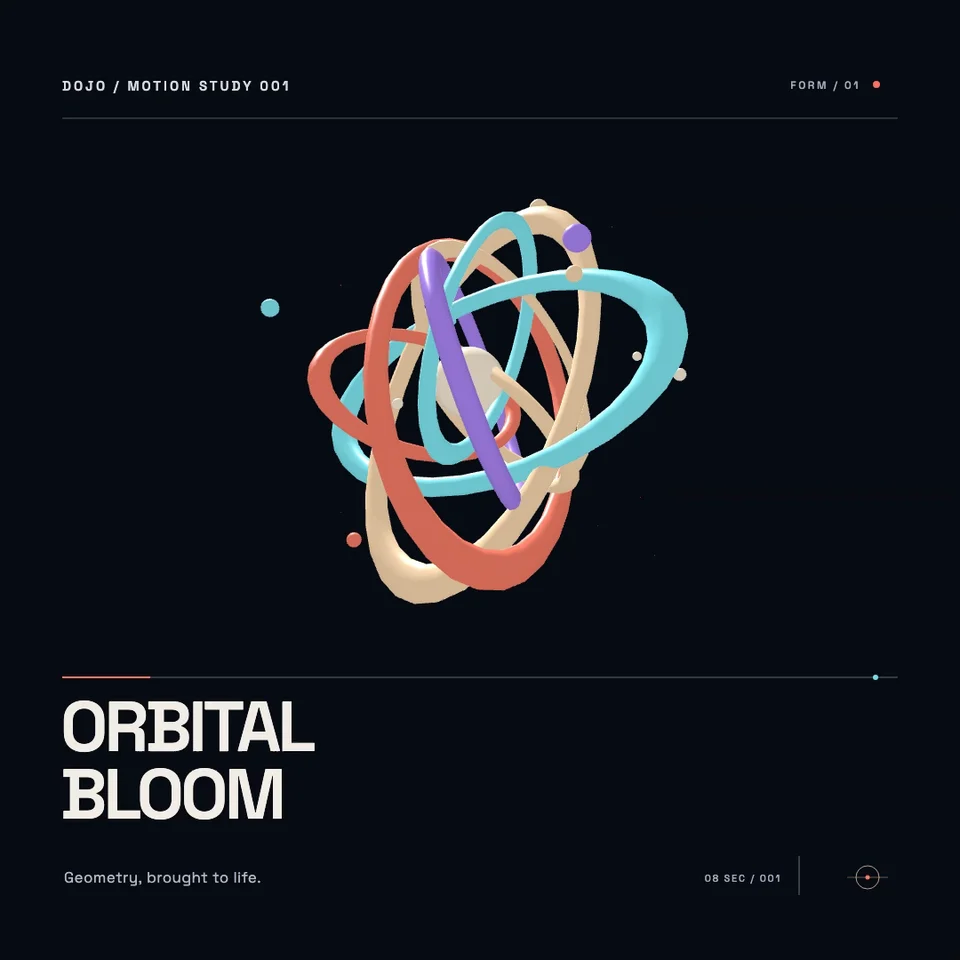
3D / Three.js8s · Silent
Orbital Bloom
Ceramic rings and satellites form a rotating 3D sculpture.
VIDEO AGENT SHOWCASE
Explore editable motion graphics, SVG illustrations and Three.js scenes created with Dojo’s video agent and engine. Find a direction, copy the brief, then make it your own.
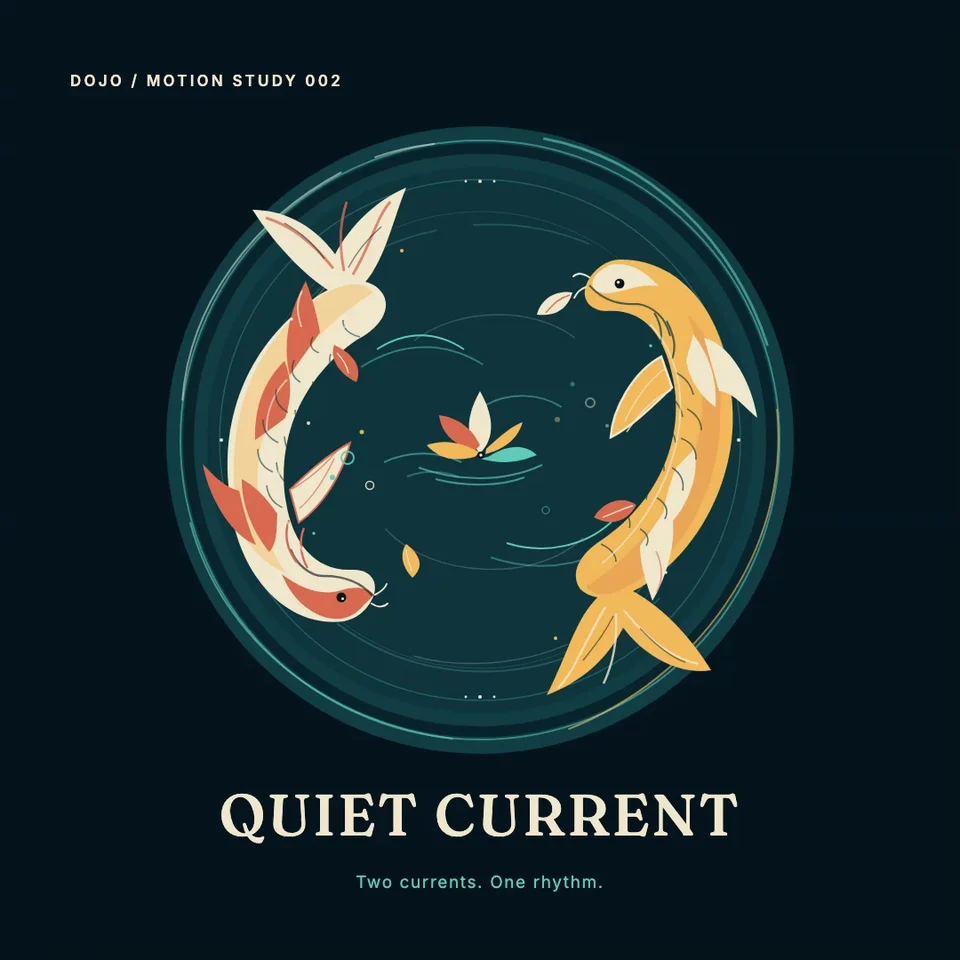
Quiet Current
SVG · 8s
01 — 06
Ceramic rings and satellites form a rotating 3D sculpture.
Two koi circle through layered SVG water and ornamental linework.
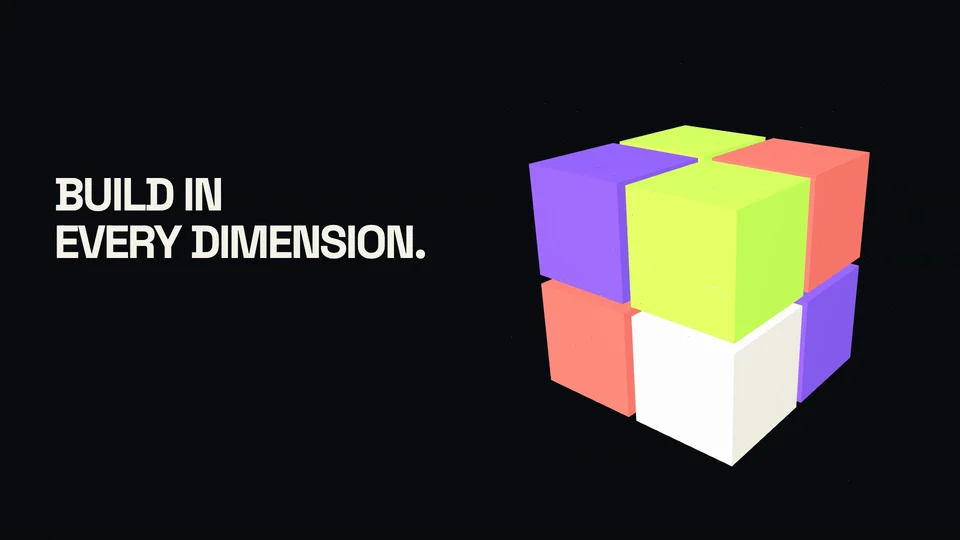
Bold typography and an assembling 3D cube become a short brand film.
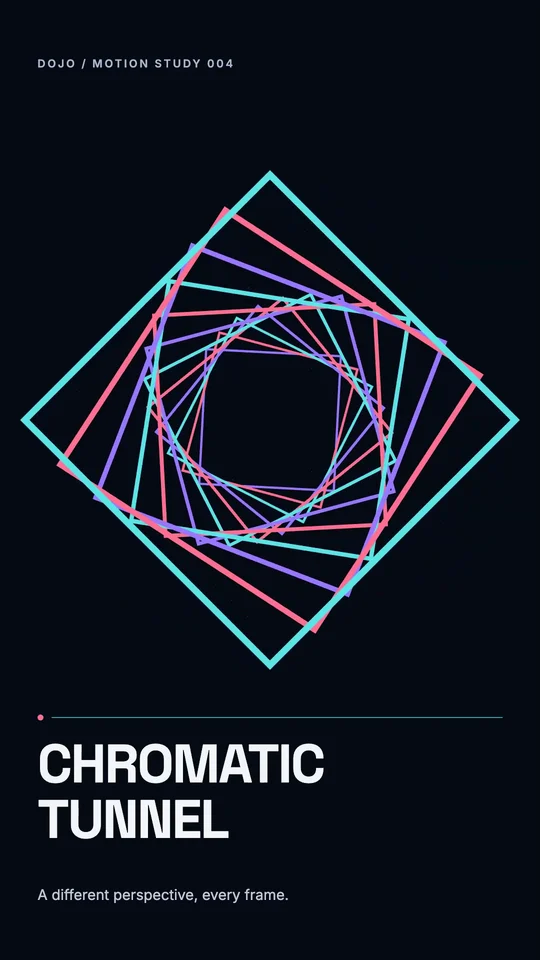
Neon frames recede into a rotating optical tunnel.
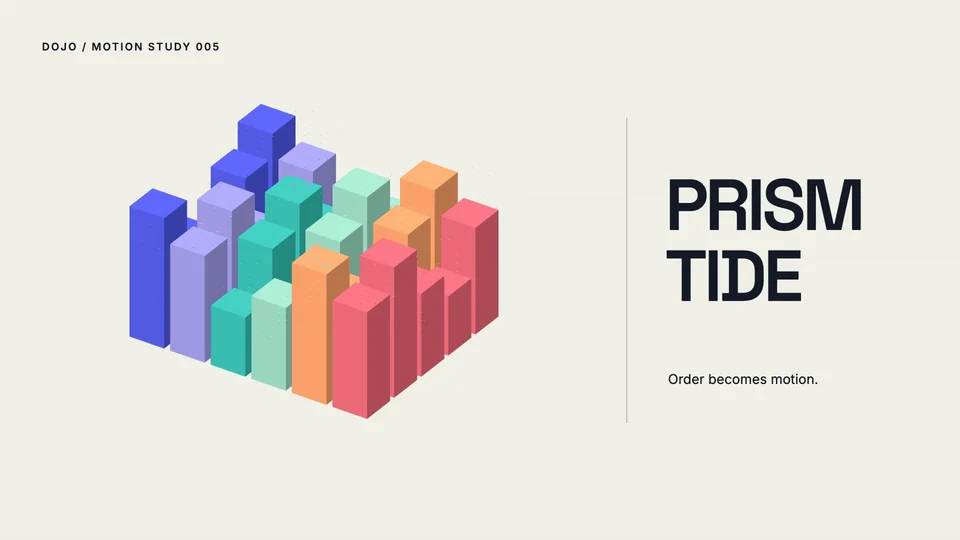
A field of ceramic columns moves in a synchronized wave.
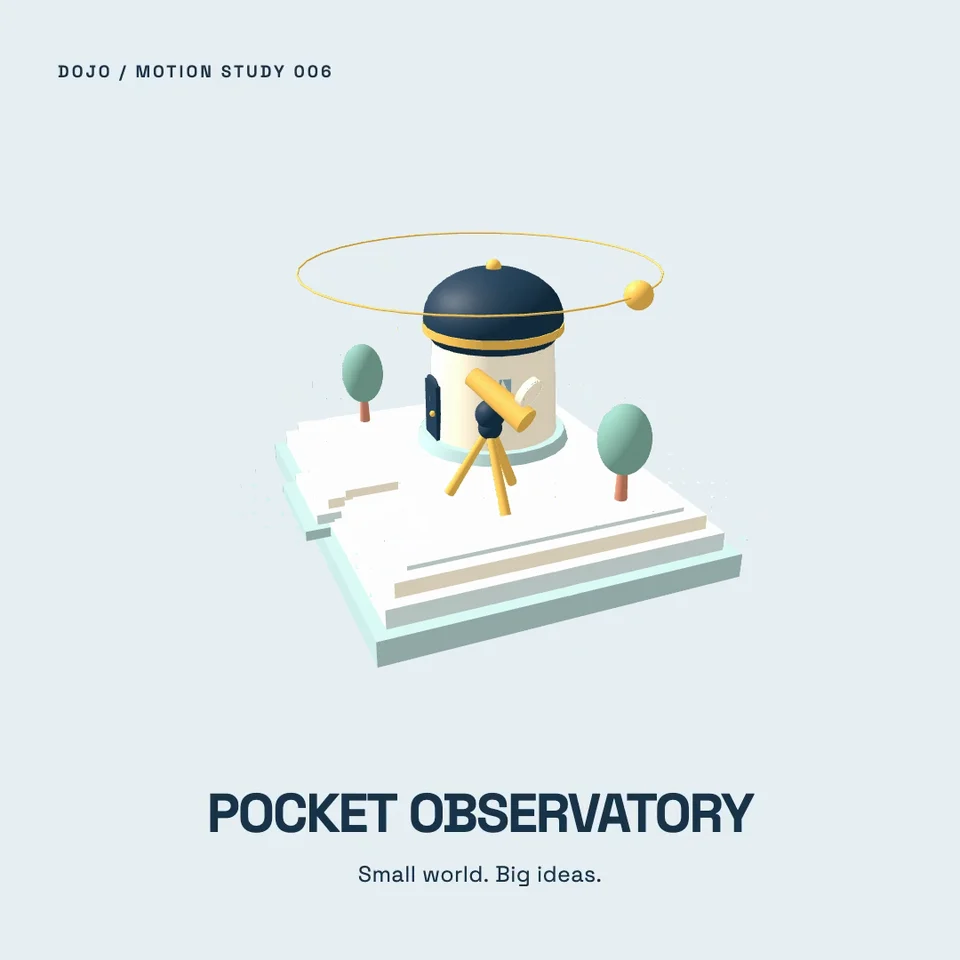
An orbiting camera explores a miniature observatory on a floating island.
Curated agent-generated examples. Some scenes needed follow-up edits or technical fixes. Prompts are reusable starting points; results can differ.
Start with an illustration, a 3D scene or a complete motion sequence.
Change the subject, colors, words or format to suit your project.
Ask for targeted changes, review the result and export your video.
The agent creates structured graphics and animation instructions. Dojo’s engine renders them into video, keeping the project’s supported text, shapes, timing and 3D objects editable.
You can start with a natural-language brief. Describe what should appear and how it should move, then ask for changes. Developers can also work with Dojo’s open-source engine and harness.
A language model can author the scene instructions; the video engine renders the frames. These examples use that workflow rather than a model that generates photographic footage directly.
The graphics workflow supports a bounded editable SVG subset and validated 3D scene data. It does not execute arbitrary JavaScript or promise support for every SVG, shader or external 3D model.
Not necessarily. These are reviewed examples, and some include refinement prompts. Use them as a creative starting point. Keep the project to edit its layers; an exported MP4 is a flattened video.