Do I need a perfect selfie?
No. A clear selfie with your face visible is enough to get started, although cleaner input usually leads to stronger results.
Personal Branding
Turn one clear selfie into studio-quality profile photos for resumes, portfolios, personal websites, and social profiles.
Selfie
Dimensions
Best input for clean headshots
Use one clear front-facing selfie with your full face visible and simple lighting.
Review uploaded selfies and finished headshots in one place.

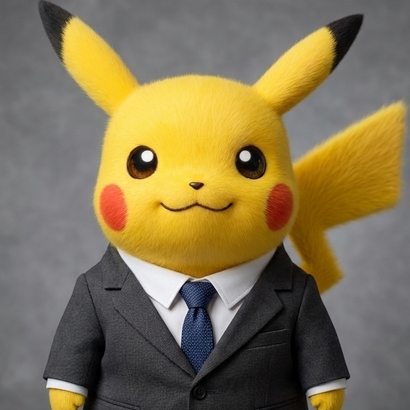
Start with a clear front-facing selfie with good lighting and a visible face.
The app transforms your selfie into clean, studio-style headshots that still look like you.
Save the results for your profile, portfolio, resume, team page, or personal brand kit.
Get polished profile-ready portraits without booking a photographer or renting a studio.
The workflow is designed to preserve your facial features, skin tone, and overall likeness.
The output is optimized for professional headshots instead of generic portrait styling.
This tool is made for one specific job: taking an ordinary selfie and turning it into a polished professional headshot.
That makes it useful when:
Instead of making you write prompts or adjust advanced image settings, the page keeps the flow simple. You upload one selfie, start the render, and review the finished headshots in the same workspace.
No. A clear selfie with your face visible is enough to get started, although cleaner input usually leads to stronger results.
Yes. The tool is designed for polished personal-branding portraits that fit profile photos, portfolio pages, and professional bios.
That is the goal. The workflow aims to keep your identity recognizable while improving styling, lighting, and presentation.