AI Video Generation
Generate videos from text prompts, start/end frames, or reference image sets.
A little inspiration, in motion.
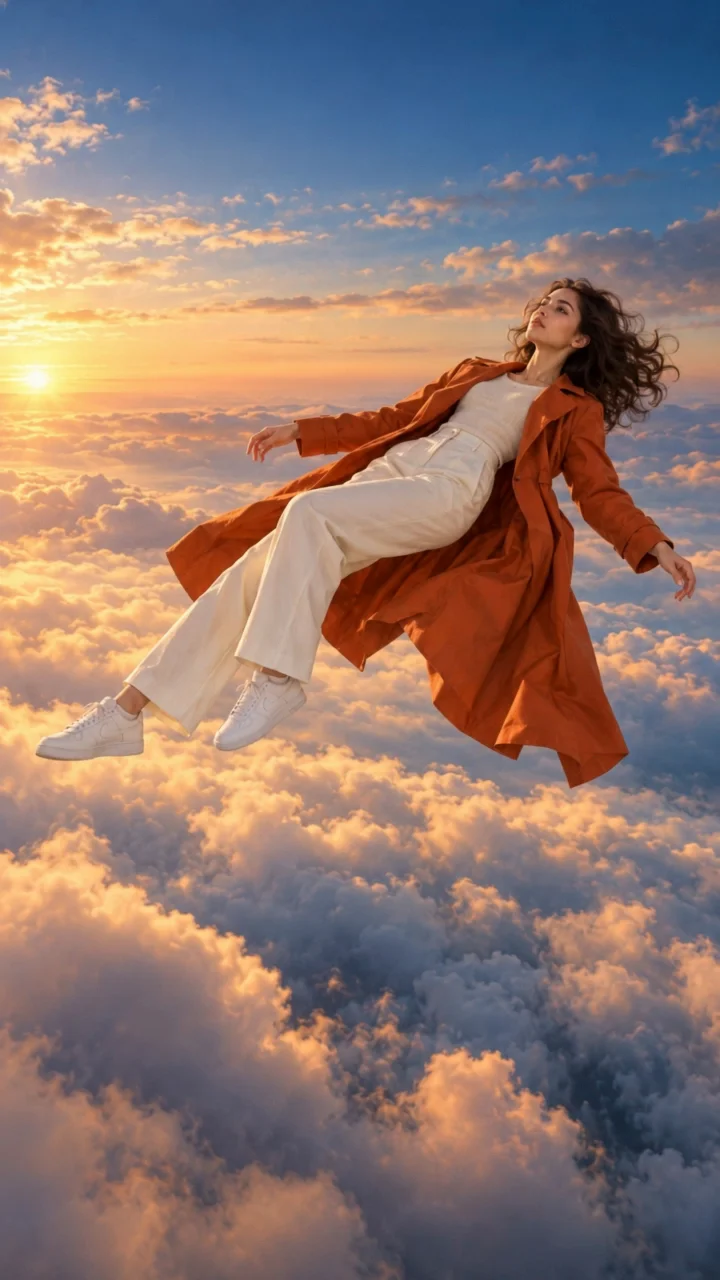
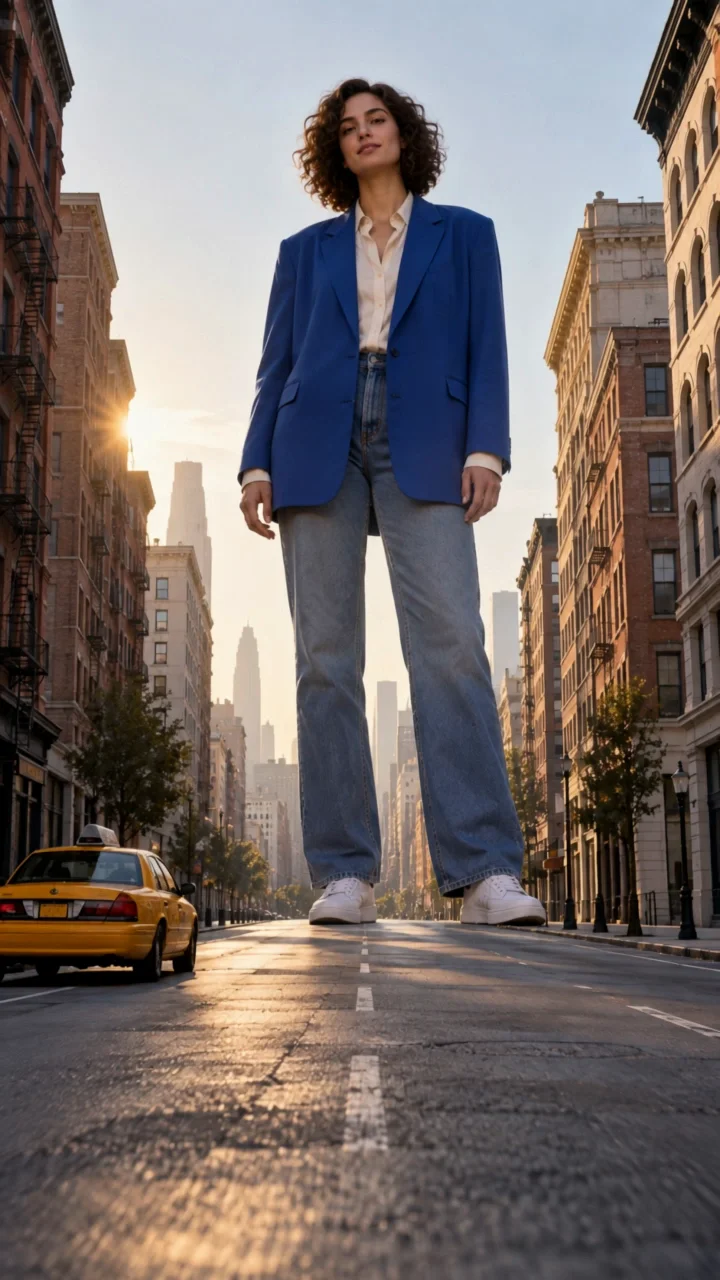
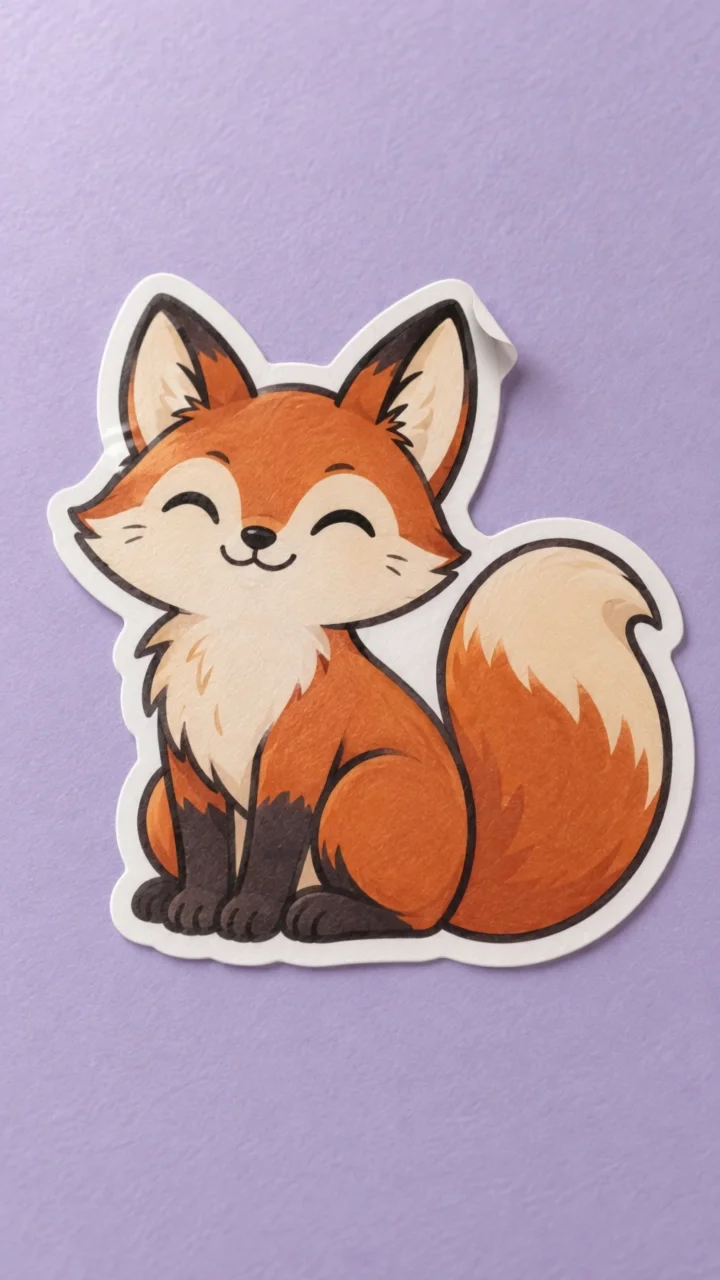
Start with an example. See the image and prompt behind each five-second clip.
AI video generator
Generate short AI videos from prompts, guide frames, or reference images
Create video concepts with text prompts, first-and-last-frame guidance, or reference-image mode. Adjust aspect ratio, choose a model, and iterate on motion, pacing, and composition for ads, storyboards, and creator content.
Popular use cases
Storyboard motion tests
Turn still concepts into short motion studies before committing to a full production or editing timeline.
Campaign and ad iterations
Generate multiple visual directions for product launches, performance ads, promos, and social storytelling.
Pre-visualization for creators
Test camera movement, subject behavior, and pacing from prompts or guide frames before final assembly.
Related reading
What the generator includes
Prompt-driven video generation with frame-guided and reference-image modes
Aspect ratio and seed controls for more repeatable iterations
Upload support for start frames, end frames, and reference images after sign-in
Task history, status polling, and downloadable outputs for authenticated users
FAQ
What is the difference between frame mode and reference-image mode?
Frame mode works best when you already know the opening and ending look of the shot. Reference-image mode is better when you want to guide style, subject consistency, and visual direction across the clip.
What makes a good AI video prompt?
Describe subject action, camera movement, scene details, mood, and timing. The more specific you are about motion and composition, the more usable the result tends to be.
How is AI video generation priced?
Video generation uses credits per request. Sign in to upload guide images, start renders, track task status, and download completed clips.