 4:25
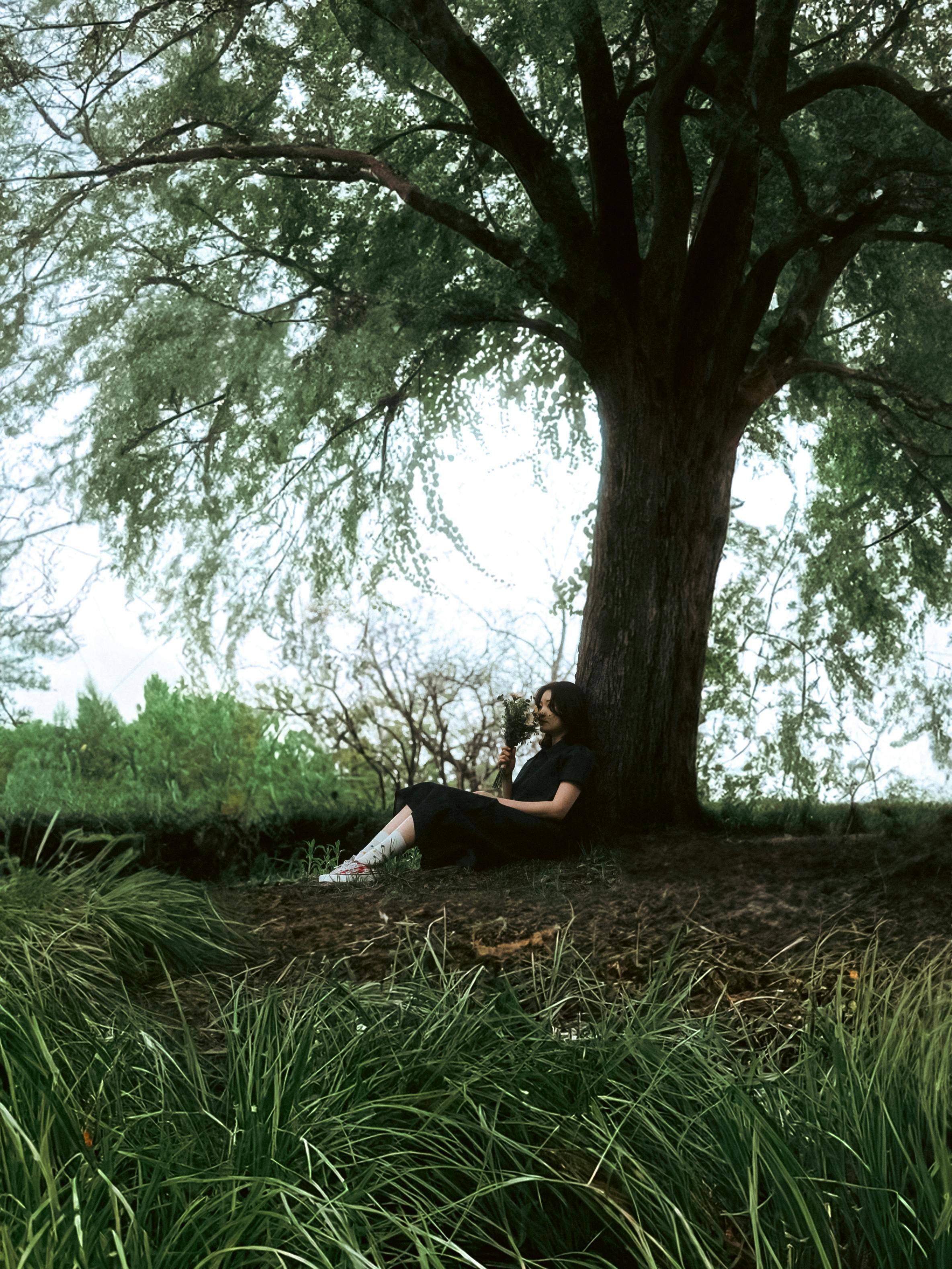
4:25Summer Love
Under the Summer Tree.
0:00/0:00
Upload an image, add a little context, and let the AI draft a title, style, and optional lyrics from the visible mood before the final DojoClip music job is queued.
Upload the photo and describe the mood
Use the image plus a few notes to draft a title, style, and optional lyrics.
Review the generated draft
Edit the title, style, and lyrics before sending the final music job to the worker.
Instrumental only
Skip lyric drafting and create only title and style direction.
Featured example
Summer Love
Under the Summer Tree.
4:25Under the Summer Tree.
 3:07
3:07Good Day Starts with a Good Morning Café.
 2:42
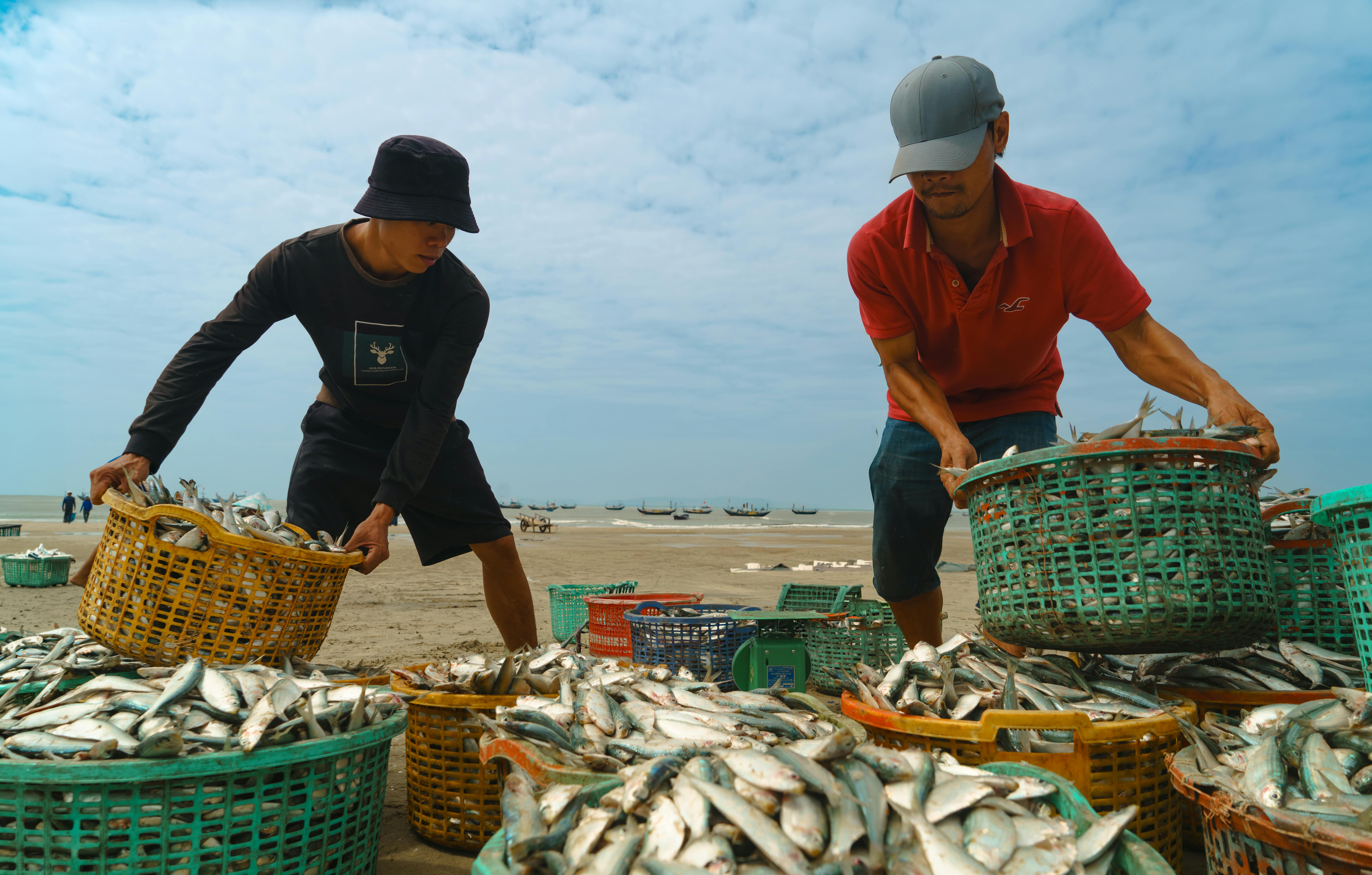
2:42Days of the Catch.
Start from a JPG, PNG, or WEBP photo and add any context that the image alone does not fully explain.
The AI analyzes the visible mood of the photo and returns a title, style line, and lyrics unless you choose instrumental-only mode.
Refine the mood, adjust the title or lyrics, and turn the photo-inspired draft into a final track.
The draft is based on both the uploaded image and your optional text notes, not on text alone.
You can skip lyrics entirely and use the page just to generate a title and style direction from the photo.
The drafting prompt is designed to stay close to what is visible in the image instead of making up an unrelated story.
You can move from visual inspiration to a playable draft without having to translate the whole image into one perfect prompt yourself.
Some music ideas start from a scene instead of a sentence. A travel shot, a portrait, a celebration photo, or a moody late-night image can already contain the pacing, color, and emotion you want the track to capture.
This page is designed for that use case. Instead of forcing everything into one prompt, you can let the photo lead the draft and then decide whether you want:
That makes it easier to move from image mood to usable music input.
It uses the photo to draft the title, style, and optional lyrics first. After that, you review the draft and submit the final music generation request.
Yes. Turn on instrumental-only mode and the draft step will return a title and style direction without lyrics.
Clear photos with a strong mood, setting, or emotional signal tend to work best, especially when you add a short note about the memory or tone you want the music to follow.